
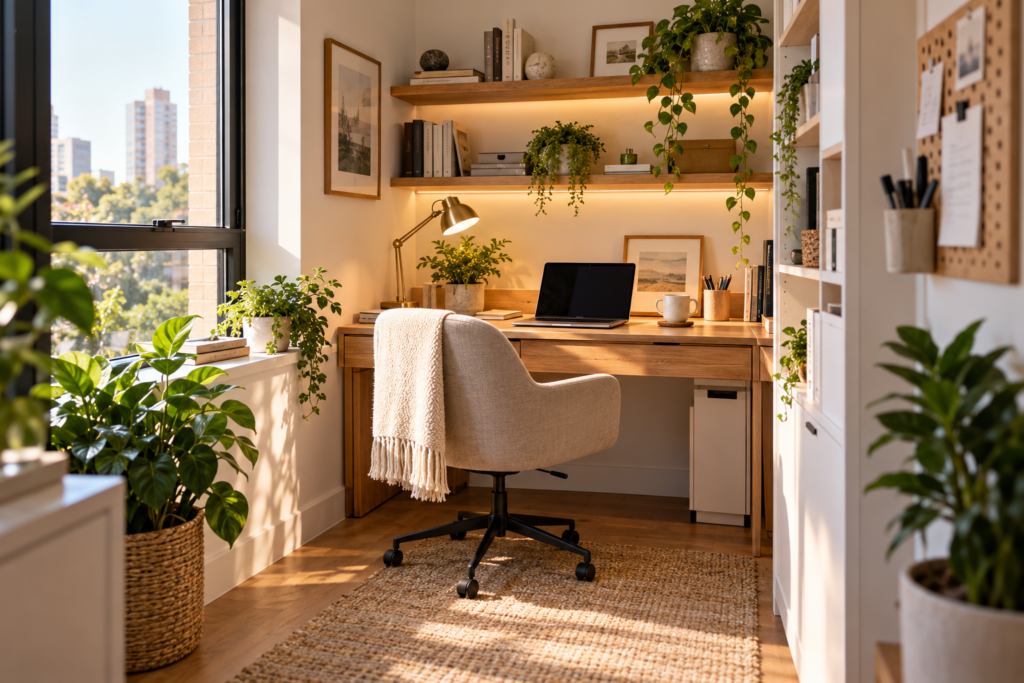
A workable home office needs a reliable surface, a chair that supports you and a place for daily essentials. The ideas below focus on affordable, attainable changes, with particular attention to homes where every square metre has to work harder.
A home office that works with your room
A compact workspace can still be comfortable, organized and visually distinctive. Start with the room you have, choose the right desk footprint and build a setup around your actual workday.
Affiliate disclosure: As an Amazon Associate, Smart Space Finds earns from qualifying purchases. Product links may earn us a commission at no additional cost to you.
12 Small Home Office Layout Ideas That Make Every Inch Count
A functional home office does not require a dedicated room. The best arrangement depends on how often you work, how much equipment you use, and whether the area must convert back into living space each evening. Start by measuring the available wall length, desk depth, door swing, chair movement and access to outlets.
1. A desk beside a window
Position a compact desk perpendicular to the window to benefit from daylight while reducing direct screen glare. Check how light moves during your usual working hours before committing to the layout.
2. An unused bedroom corner
Use a narrow desk and wall storage to keep work items separate from bedside essentials. If the room is also used for sleep, add a closed box or cabinet so work clutter disappears after hours.
3. A shallow console workstation
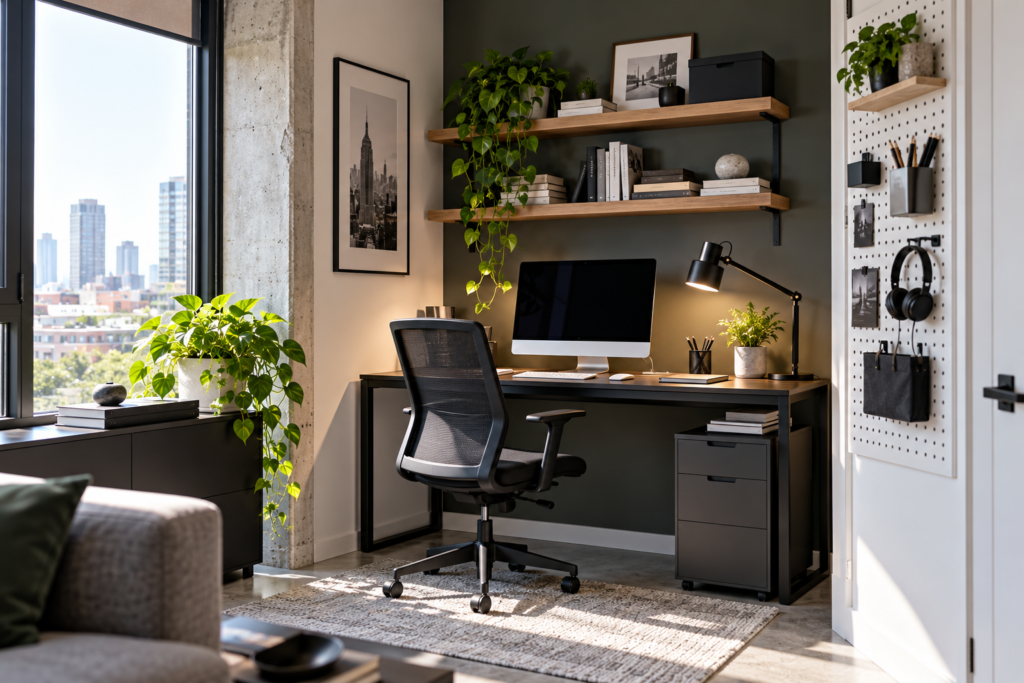
In a living room, a streamlined console-style desk can provide a laptop station without dominating the space. Verify that the depth is comfortable for your screen, keyboard and forearms.
4. A fold-down wall desk
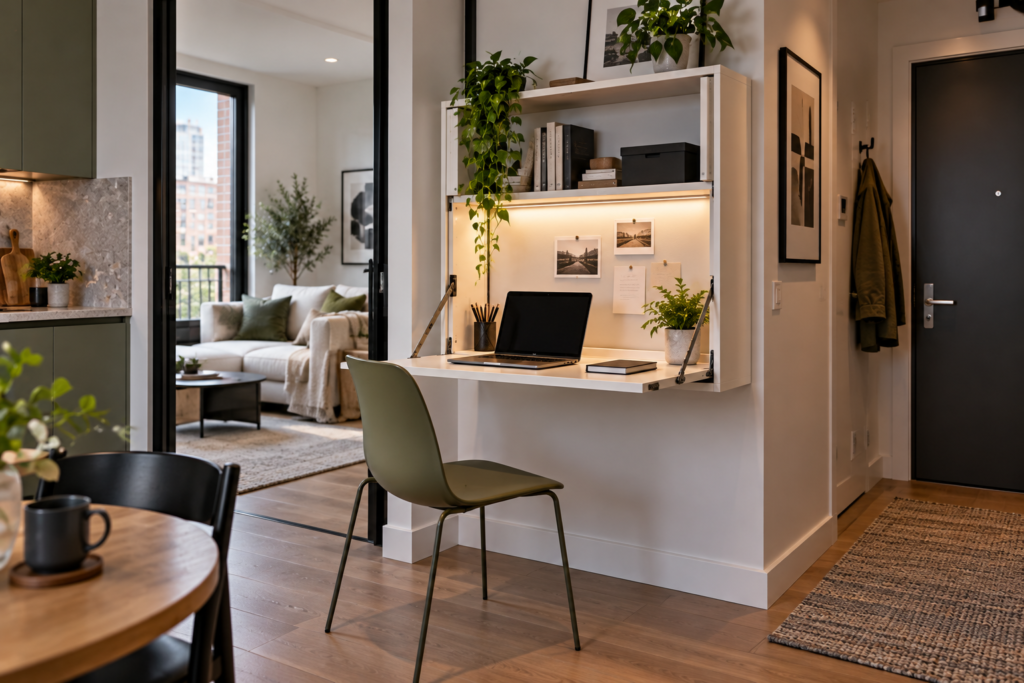
A fold-down surface can suit short laptop sessions where floor space is precious. Confirm load limits, mounting requirements and landlord permission; do not use an inadequately anchored unit.
5. A small corner desk
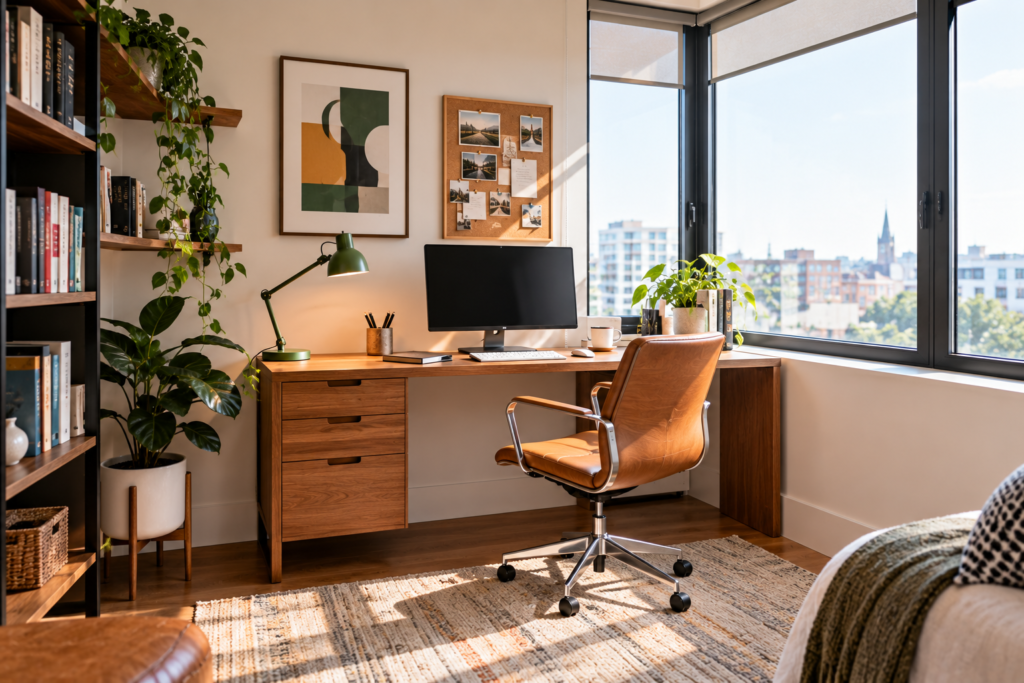
Corner desks can use two adjacent walls efficiently, but the shape may limit legroom or access to drawers. Check the actual usable keyboard area, not just the product’s overall dimensions.
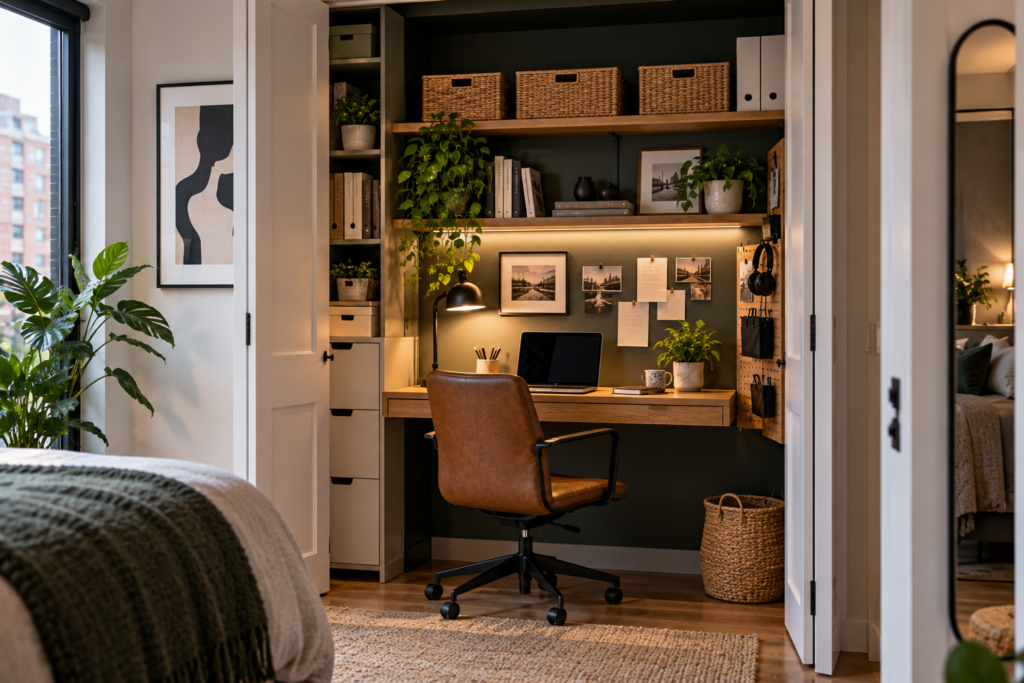
6. A closet office or cloffice
A shallow closet can become a compact workstation if it provides sufficient light, ventilation and chair clearance. Keep the closet accessible and do not obstruct ventilation or electrical equipment.
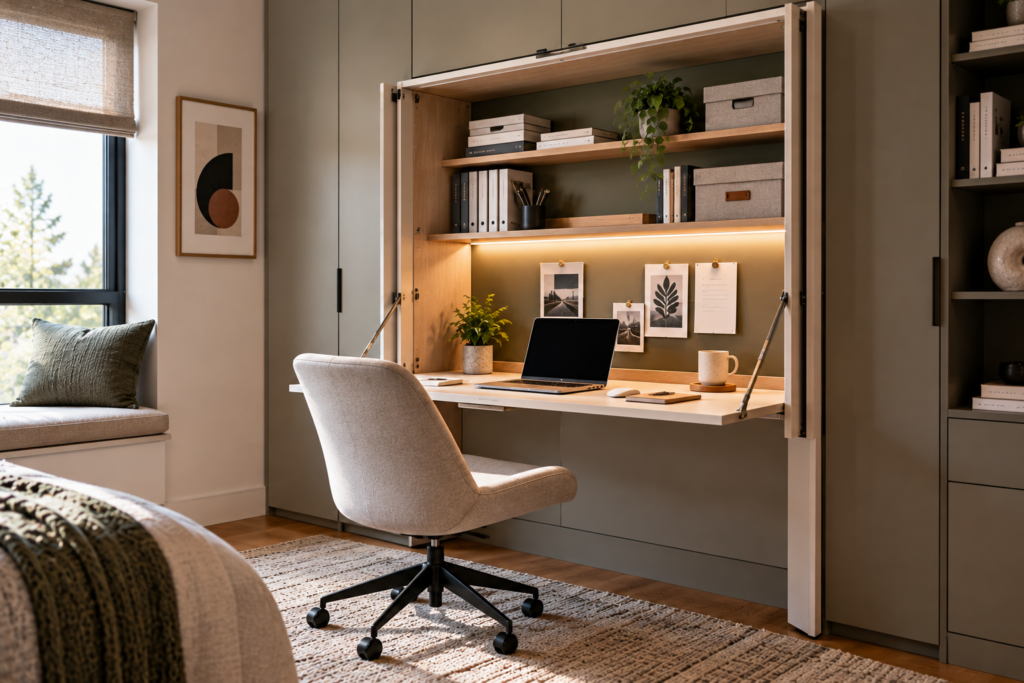
7. A hidden secretary desk
A cabinet-style desk helps conceal papers and peripherals at the end of the day. Choose one with stable writing space and enough room for your actual equipment.
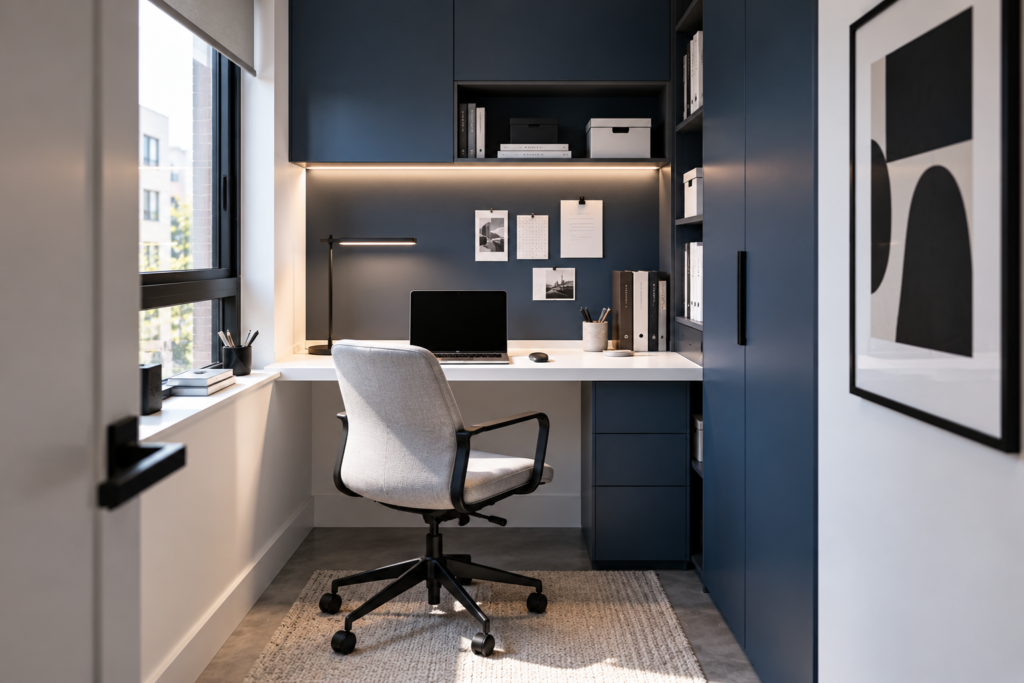
8. A bookshelf-and-desk combination
Combining a narrow desk with nearby shelving reduces the number of separate furniture pieces. Keep heavier items low and secure tall units according to the manufacturer’s instructions.
9. A kitchen-adjacent work zone
A compact workspace near a kitchen can work for occasional administration. Protect electronics from steam, spills and heat, and avoid placing power cords along a walking route.
10. A rolling workstation
A portable desk or cart can support flexible use if it has reliable wheel locks and a stable writing surface. Store charging equipment securely before moving it.
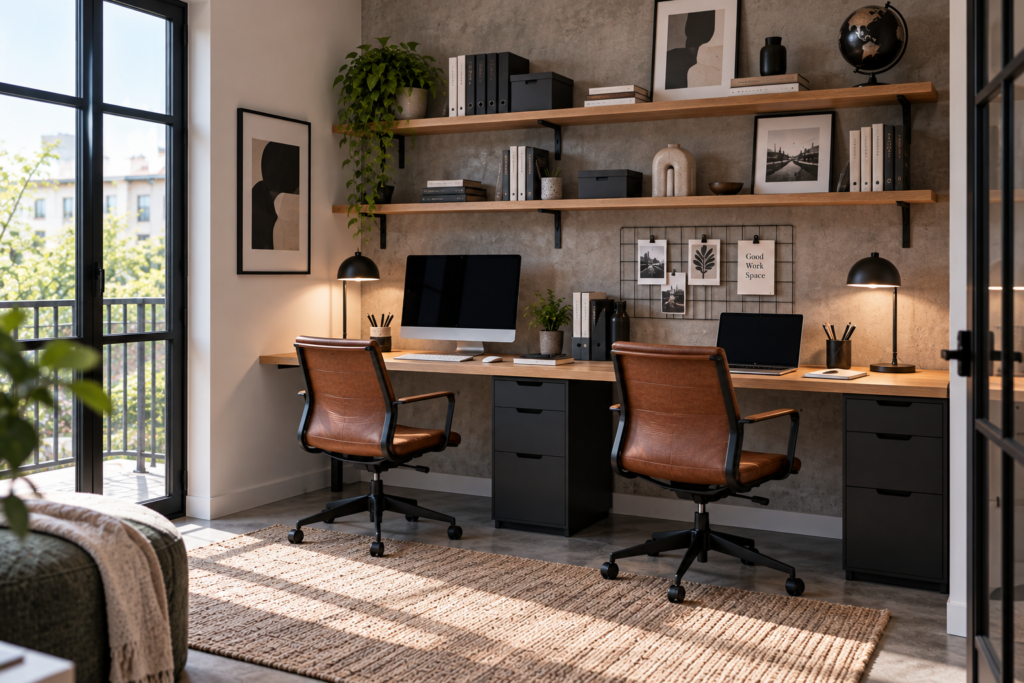
11. A two-person shared desk
For two users, clearly define personal zones and separate frequently accessed supplies. If simultaneous video calls are common, consider whether staggered schedules or acoustic separation are more practical than a single long desk.
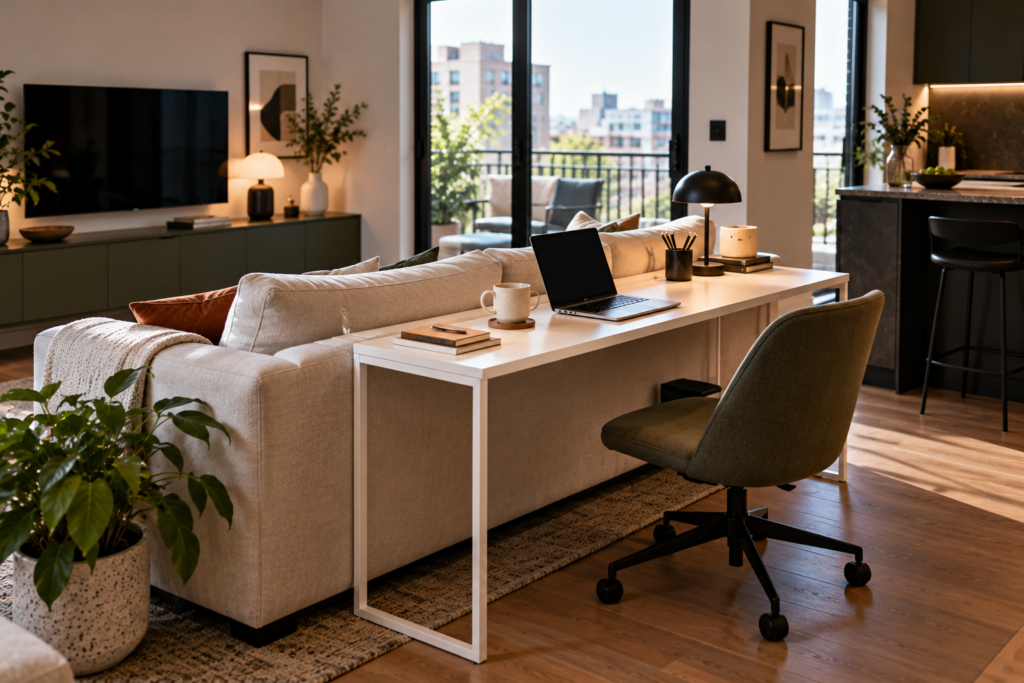
12. A workstation behind a sofa
When circulation space permits, a slim desk behind a sofa can give work a visual boundary. Measure the path between furniture carefully so chairs do not block movement.
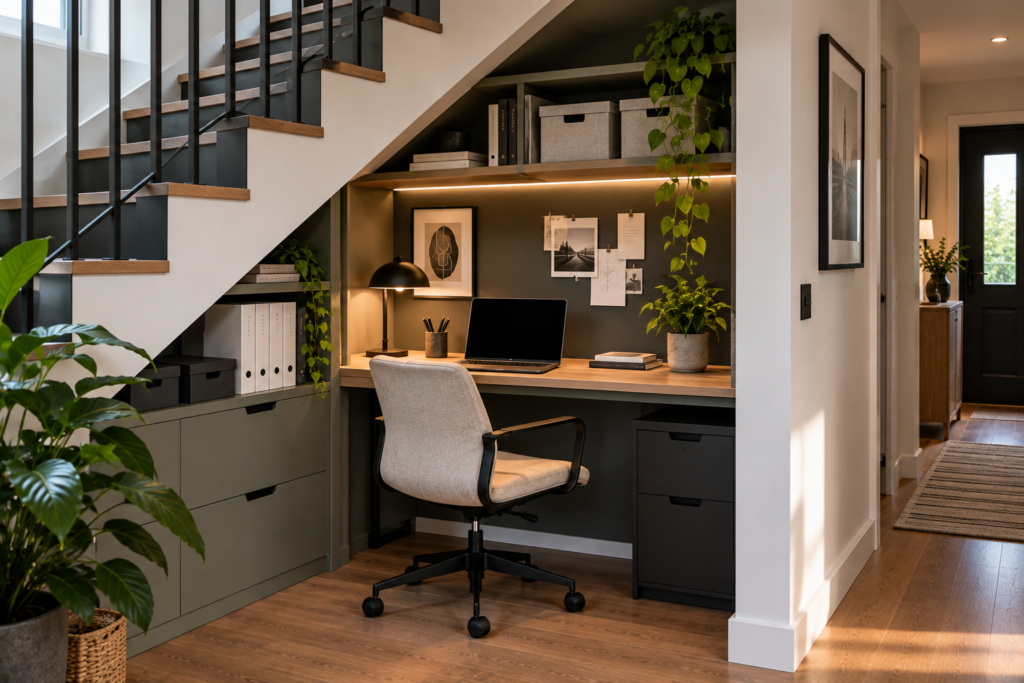
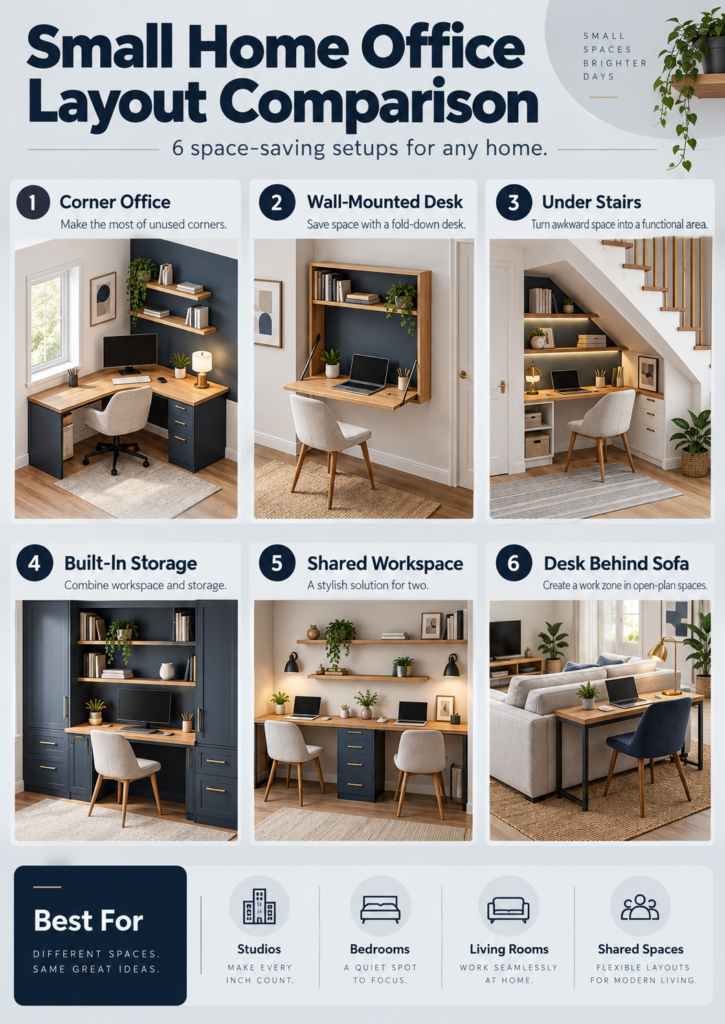
Compact Desk Comparison: Which Type Fits Your Space?
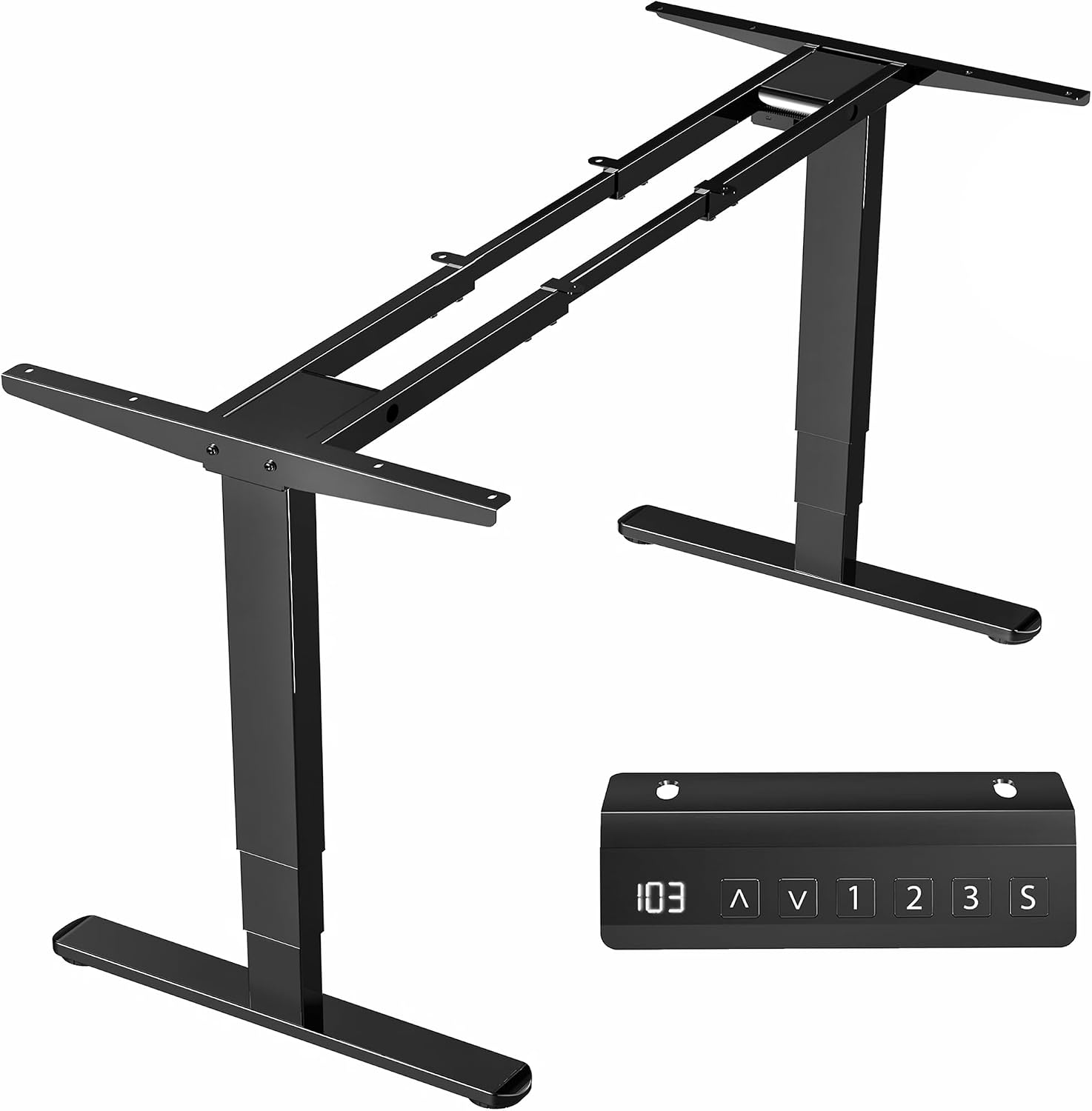
VIVO Electric Standing Desk Frame — Frame Only
An adjustable motorized base for a custom desktop. A tabletop is NOT included, and the minimum compatible desktop size may be too large for very tight rooms.
Desk dimensions vary widely by model. Rather than relying on a universal minimum size, measure your equipment and test whether you can sit and work without reaching or twisting. These categories help narrow the choice.
| Desk style | Best use | Main limitation |
|---|---|---|
| Writing desk | Daily laptop use in a bedroom or living room | Limited storage; monitor depth may be tight |
| Corner desk | Using an otherwise empty corner | Can reduce legroom and cable access |
| Fold-down desk | Occasional work in a tight room | Mounting, load rating and setup effort |
| Secretary desk | Concealing a workspace after hours | May not fit a large monitor |
| Height-adjustable desk | Alternating seated and standing positions | Higher price and larger base footprint |
| Mobile desk | Flexible work across different rooms | Stability and cable-management challenges |
When possible, test a desk with your chair and monitor. Check usable depth, knee clearance, surface stability, door and drawer clearance, and how easily cables can be routed.
Ergonomics for a Small Home Office
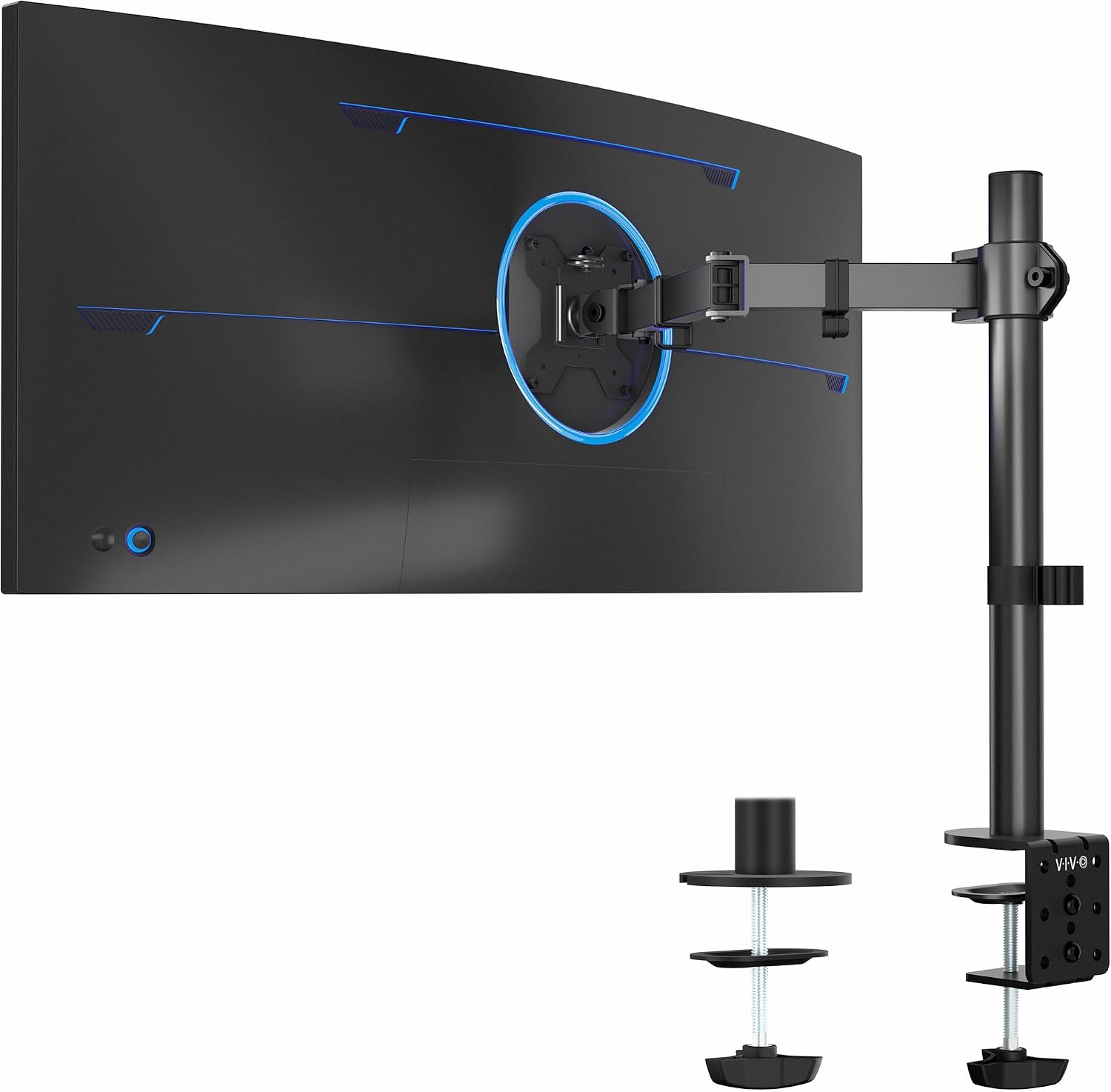
VIVO Single Monitor Arm
An adjustable monitor arm can help reclaim desktop space; check VESA compatibility and desk-clamp clearance.
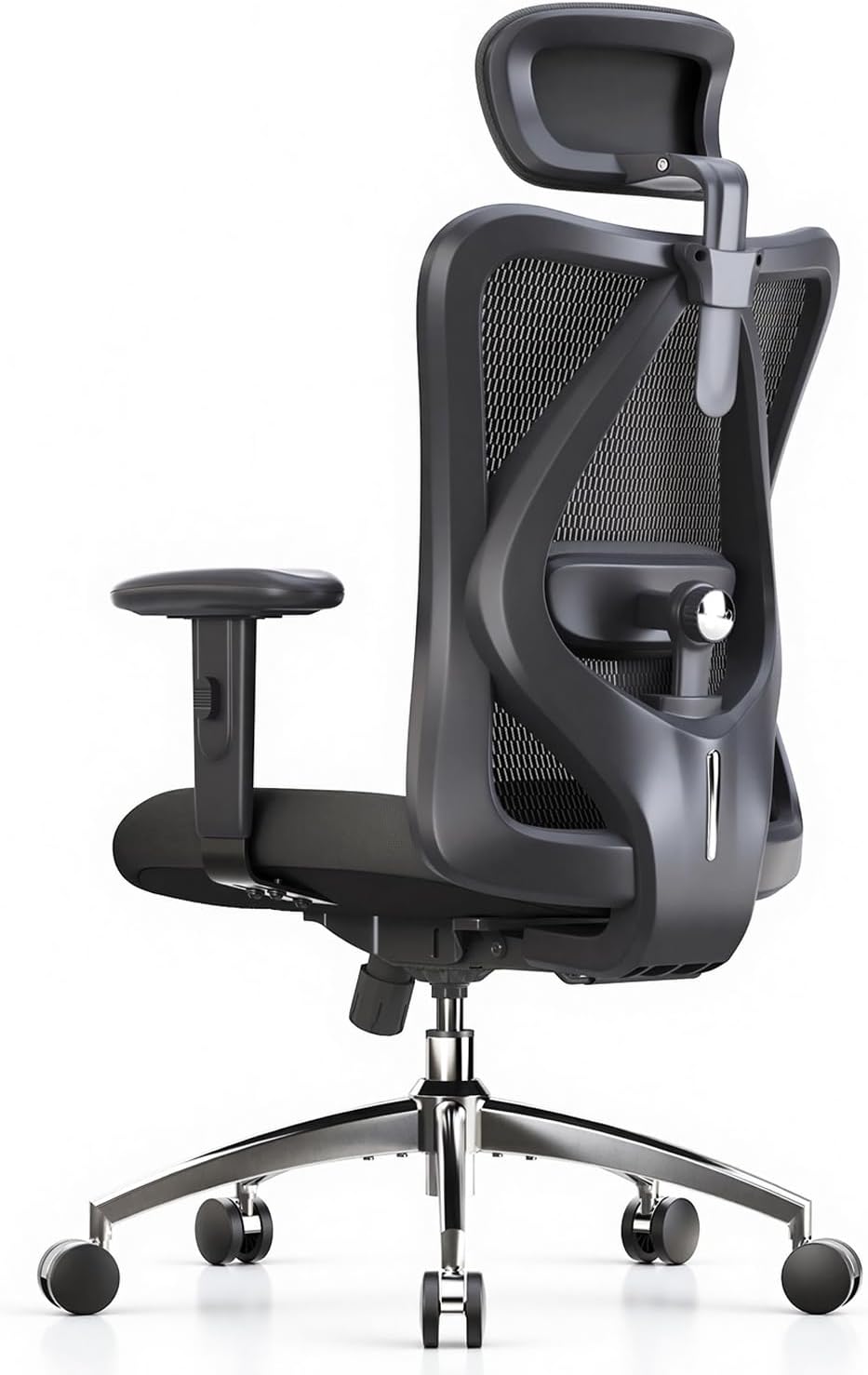
SIHOO M18 Ergonomic Office Chair
A full-size adjustable office chair for more regular desk use; measure its footprint and armrest clearance before buying.
A small desk should still accommodate a comfortable working posture. Adjust the chair so your feet rest securely on the floor or a suitable footrest, and position the keyboard and pointing device so the shoulders can relax and the arms do not stretch forward excessively. Place the screen at a comfortable viewing distance and angle; monitor placement should suit the individual, rather than a fixed rule that works for everyone.
For sustained laptop work, a separate keyboard and mouse plus a stand or external monitor often make it easier to adjust screen height independently from typing position. Alternate tasks and positions throughout the day, and follow the manufacturer’s adjustment guidance for your equipment.
Chair features worth prioritizing
Look for stable support, adjustable seat height, appropriate back support and enough clearance to move close to the desk. The right chair should fit the person and the desk together; style alone is not an ergonomic criterion.
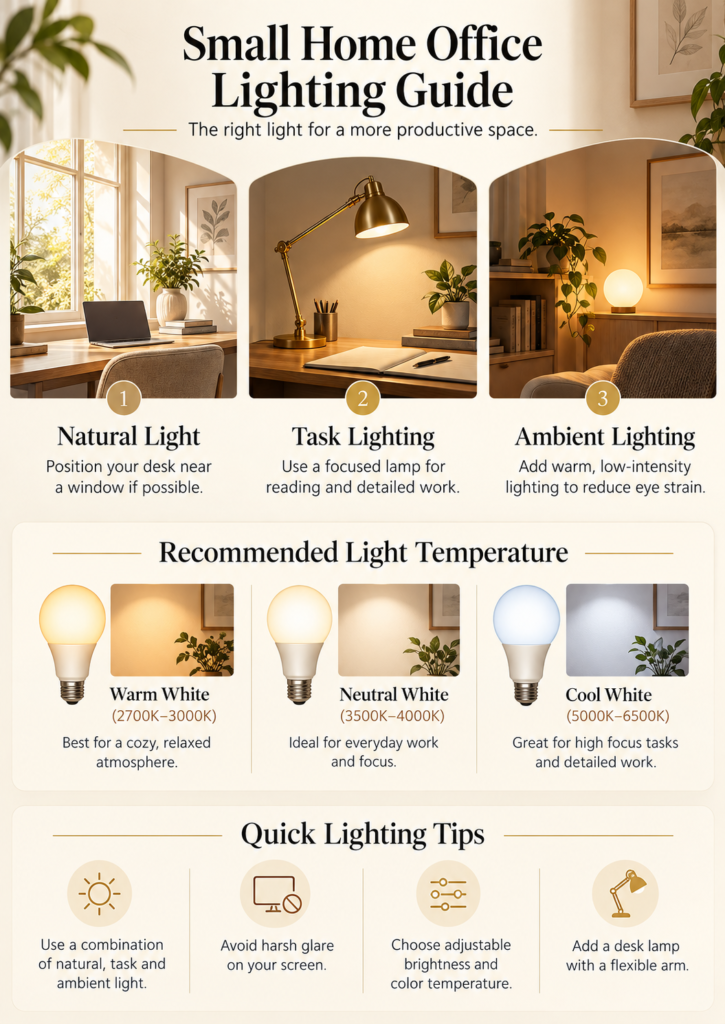
Lighting for work and video calls
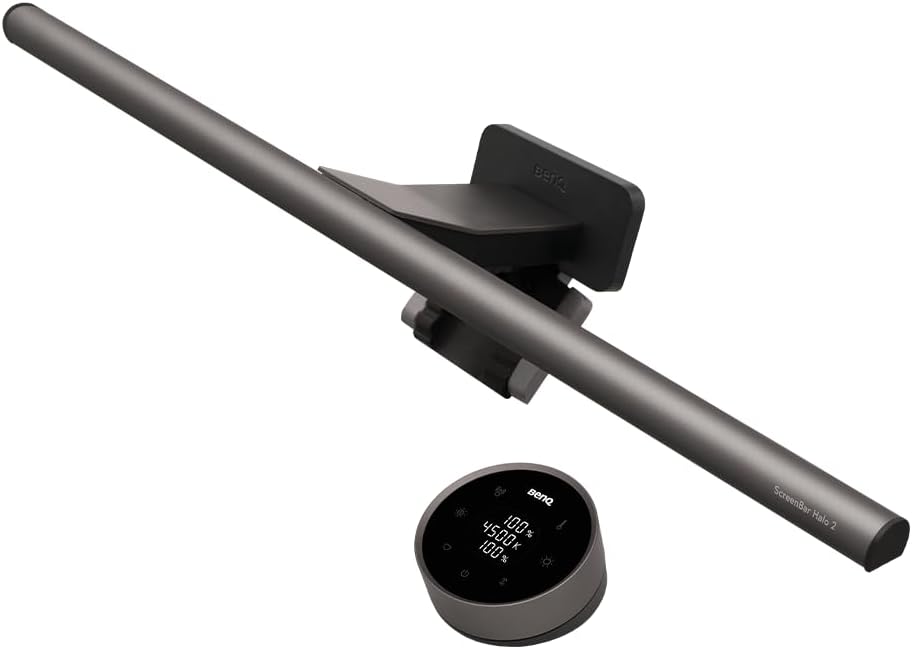
BenQ ScreenBar Halo 2
Screen-mounted task lighting helps keep the desk surface free for work; confirm monitor thickness and fit.
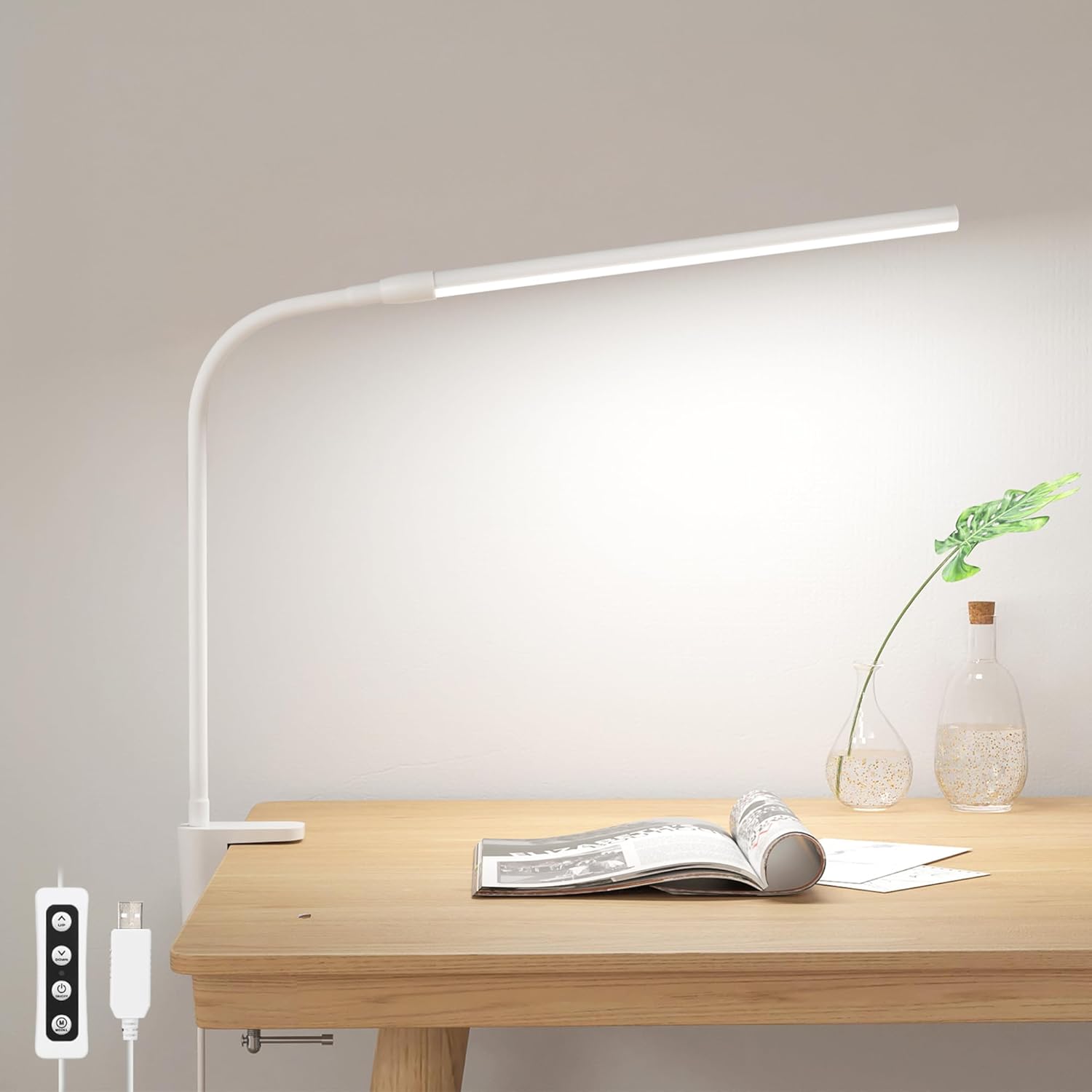
Lepro Clip-On LED Desk Lamp
A compact clip-on light option where desk surface area is limited; check the clamp opening and lighting controls.
Use indirect ambient light supplemented by adjustable task lighting. Position the screen to avoid bright reflections, and test the setup at the time of day you usually work. A soft light in front of the face may improve video calls, but avoid shining a bare lamp directly into your eyes.
Storage, Cable Management and Daily Reset
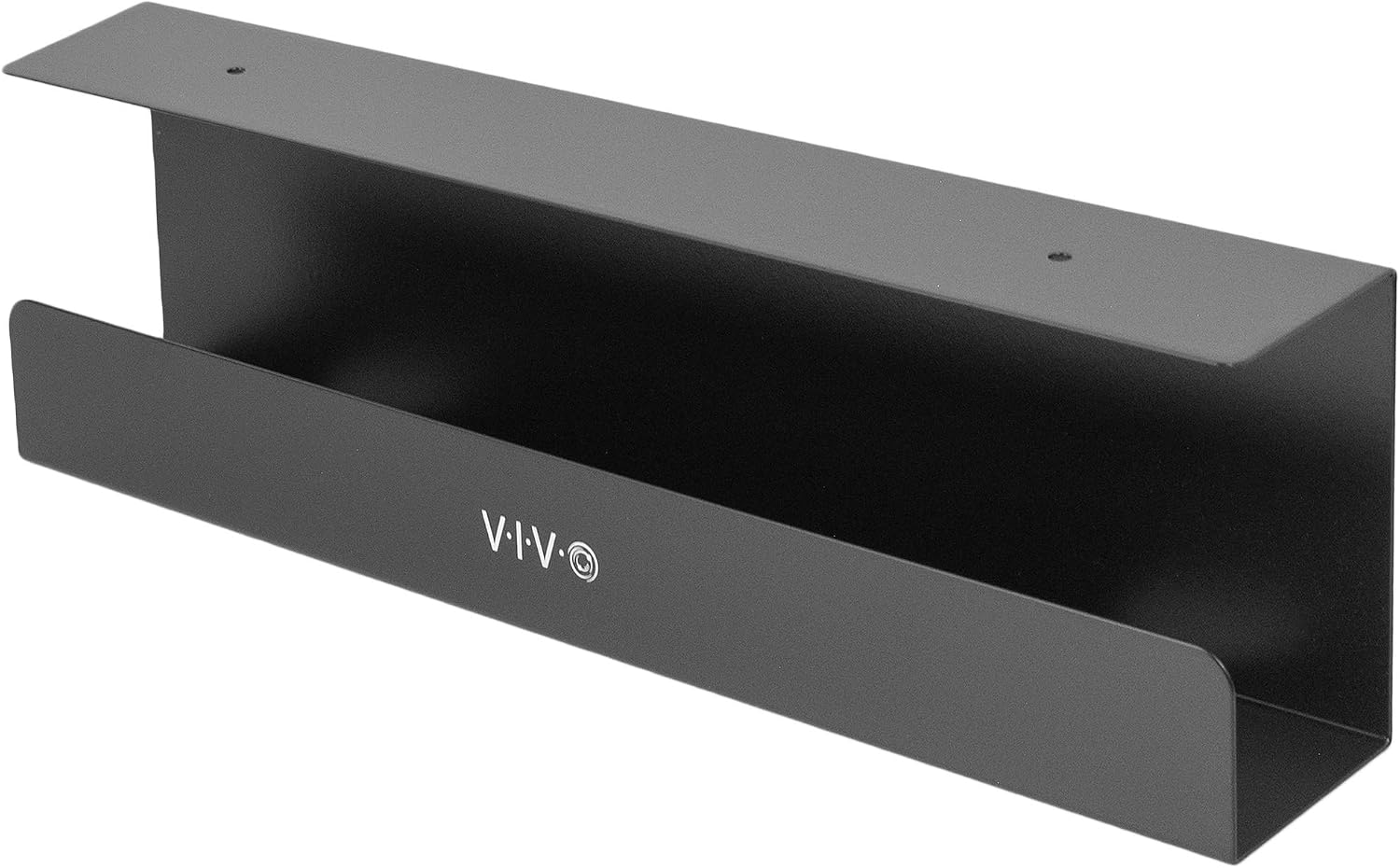
VIVO Under-Desk Cable Management Tray
A low-profile 16.5-inch cable tray designed to mount beneath compatible desk surfaces; installation requires suitable screw clearance.
Create three work zones
Active zone: keyboard, mouse and current materials. Reach zone: notebook, headphones and charging accessories. Archive zone: papers and occasional devices stored in labeled drawers or shelving. This arrangement keeps the working area clear without making frequently used items difficult to reach.
Use vertical storage carefully
Wall shelving and pegboards can free the desktop, but mounting methods must suit the wall and the load. In a rental, consider freestanding organizers or removable solutions approved for the surface rather than assuming every adhesive system can support heavy objects.
Keep cables serviceable
Label power and signal cables, leave adapters accessible, and route cords away from chair wheels and walking paths. Follow the electrical equipment instructions, avoid overloaded sockets and do not trap power cords under rugs. For a complete approach, see our home office cable management ideas.
Finish with a five-minute reset
At the end of each session, remove dishes, file loose papers, return accessories to their zones, and clear enough surface area for the next day’s first task. Small repeatable habits matter more than buying another organizer.
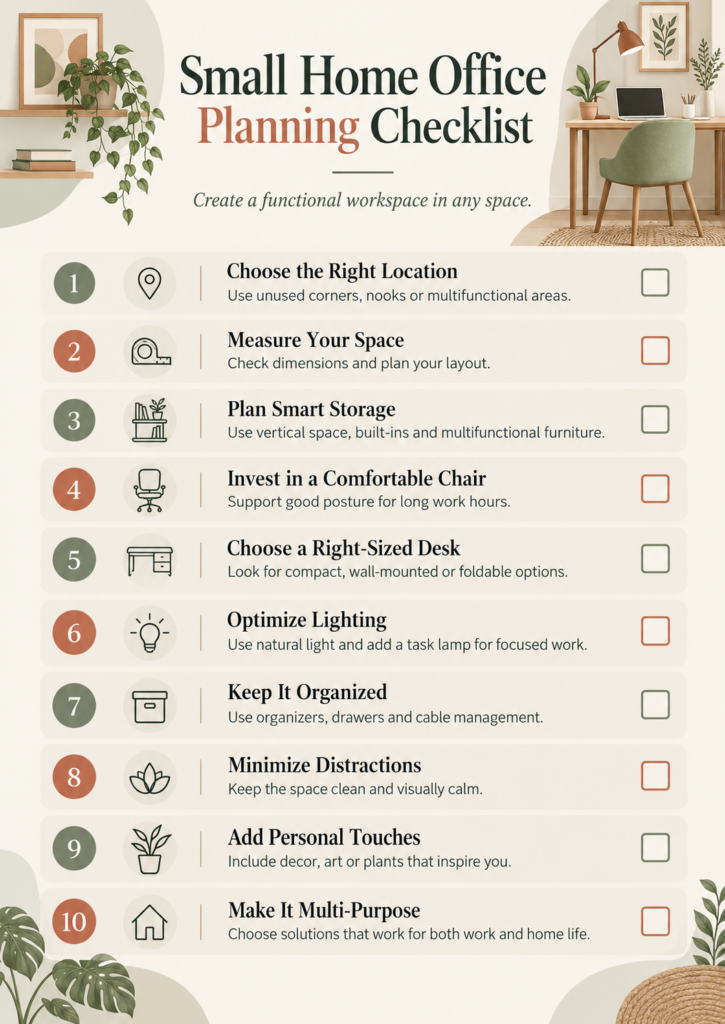
A Practical Setup Plan for Renters and Small Budgets
- Document the room. Take photos and record dimensions, outlets, windows and door swings.
- Define your workload. List whether you need a laptop only, an external display, printing, calls or creative equipment.
- Prioritize comfort. Allocate the budget to a stable desk, suitable chair and adequate lighting before decorative accessories.
- Reuse what works. Try an existing table or chair to test the location before buying permanent furniture.
- Test the layout. Mark the proposed desk outline on the floor and check walkways and drawer access.
- Plan reversible changes. Check lease restrictions before attaching shelves, fixtures or fold-down furniture.
- Reassess after a week. Note discomfort, glare, cable tangles and storage problems before making additional purchases.
For furniture that serves more than one purpose, browse our multifunctional furniture ideas for studio apartments. For a workstation that disappears into the room, see hidden desk ideas for small living rooms.
Small Home Office FAQs
How can I fit a home office in a studio apartment?
Start with one specific work task and select the smallest stable surface that supports it comfortably. A bedroom corner, shallow writing desk or secretary desk may work better than occupying an entire wall.
What is the best desk for a narrow room?
A compact writing desk or carefully selected wall desk can work well, but check chair movement and the operating footprint. A narrow desktop that forces uncomfortable posture is not a good space-saving solution.
Can a home office look good in a living room?
Yes. Repeat the room’s materials and colors, use closed storage for work supplies and organize cords so the desk feels integrated rather than improvised.
Should I buy a standing desk for a small home office?
Consider it if alternating working positions is useful for your routine and the desk fits the room. A standing desk is not a substitute for an ergonomic workstation or regular movement.
How do I reduce distractions without a separate room?
Create a clear visual boundary, keep only current work in sight, use headphones if suitable, and agree on work times with other household members. A short shutdown routine helps separate work and leisure.
Start with the space you already have
Before making changes, photograph the room in daylight, measure usable surfaces and make a short list of what frustrates you most. Solving an everyday inconvenience usually improves a small home more than adding decorative objects. Keep the first version of your project reversible and test it for a week.
Measure the wall and chair clearance
Allow room to pull out the chair and open nearby doors. Mark the proposed desk footprint with painter’s tape before buying anything. Notice which existing objects can be repurposed before buying more. Keep access, cleaning and normal daily movement in mind, especially in a narrow apartment.
Give every object one job
Keep the desktop to a computer, notebook and one task light. Move stationery into a narrow drawer or wall pocket. Notice which existing objects can be repurposed before buying more. Keep access, cleaning and normal daily movement in mind, especially in a narrow apartment.
Use the wall carefully
A pinboard or shallow rail can organize papers without sacrificing desktop space. Follow wall restrictions if you rent. Notice which existing objects can be repurposed before buying more. Keep access, cleaning and normal daily movement in mind, especially in a narrow apartment.
Design for switching off
At the end of the workday, close the laptop and place work materials in one dedicated basket. The room can become a living space again. Notice which existing objects can be repurposed before buying more. Keep access, cleaning and normal daily movement in mind, especially in a narrow apartment.
A simple weekend action plan
- Take measurements and note obstructions such as radiators, doors and power outlets.
- Remove items that do not support the main purpose of the space.
- Test one layout or organization change with what you already own.
- Check comfort and safety during a normal weekday before investing.
- Photograph the result and keep only the improvements that make daily life easier.
Common mistakes to avoid
A crowded mood board is not the same as a functional home. Do not copy a photo without checking dimensions, clearance, ventilation, electrical safety and rental restrictions. Prioritize flexible choices that still look good when the room is being used rather than only when it is photographed.
Frequently asked questions
Do I need a large budget?
No. Rearranging furniture, editing belongings and improving lighting or storage habits can make the biggest difference before you spend money.
Should every element match?
Not exactly. Repeating a few finishes and colors creates coherence, while different textures and personal details keep the room from feeling generic.
The takeaway: Start with one friction point, make a small change, and refine it after living with the result. Functional choices are the foundation of a beautiful small home.
Explore more practical ideas in our small spaces guides.