
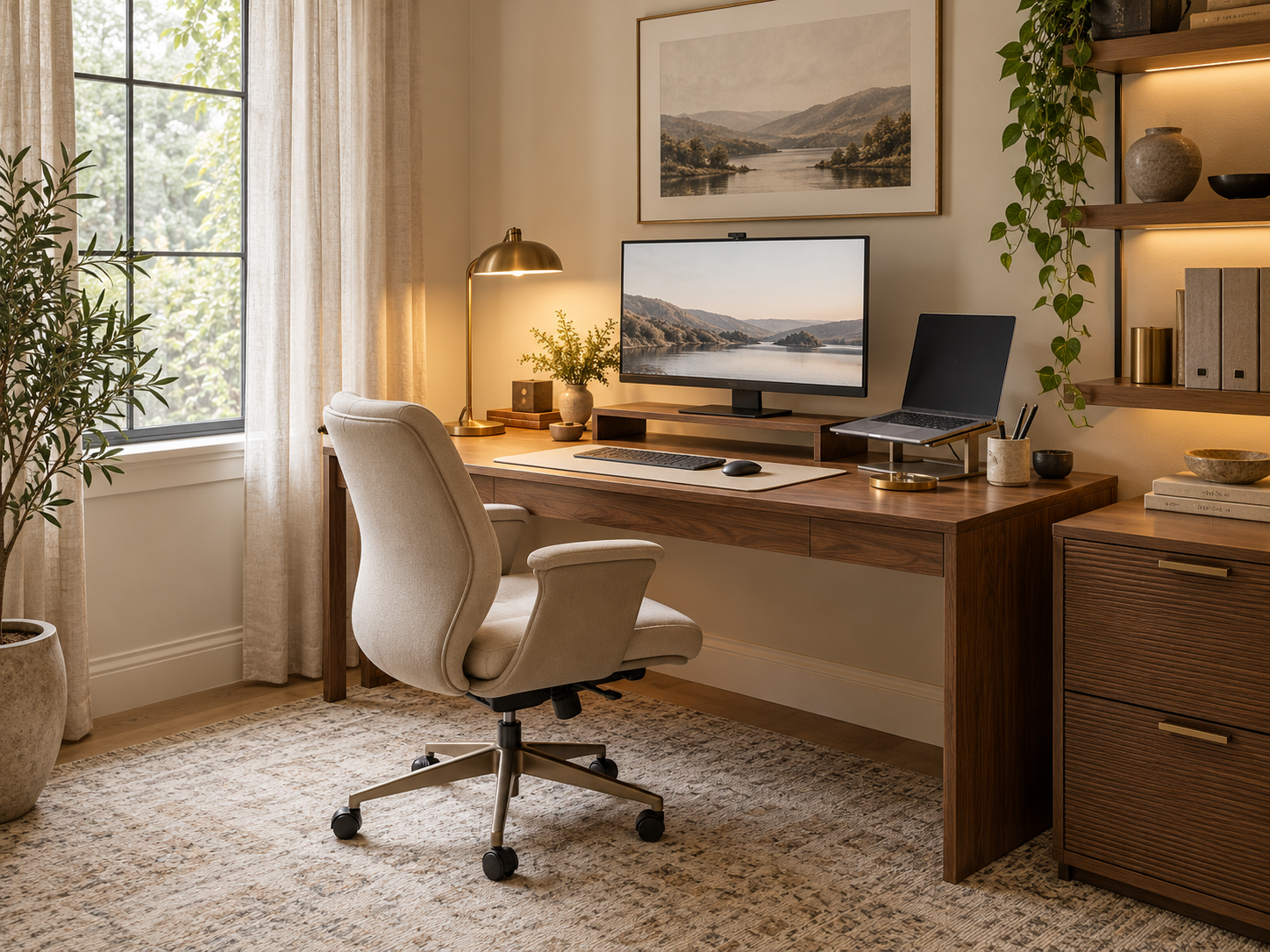
Affiliate disclosure: As an Amazon Associate, Smart Space Finds earns from qualifying purchases made through affiliate links in this article, at no additional cost to you. The AI-generated interior images are illustrative and do not depict exact products for sale.
Creating a comfortable home office is not a matter of squeezing more accessories onto a desk. In a small room, the right changes should improve the way you sit, see, reach and focus while leaving enough clear space to work. The aim of these twelve ideas is a compact workspace that feels quietly premium because it functions well.
Use this guide whether your desk sits in a bedroom corner, a dedicated study or part of a living room. Treat every product as a potential solution to a specific problem, not a mandatory purchase.
Before you buy: audit the workspace
Measure the desk and the space behind the chair, check outlet locations and note how many hours you work each day. Place your monitor and keyboard in a comfortable relationship before buying decorative accessories. The best purchases solve ergonomic and storage needs first; visual refinement follows through coordinated finishes, calm lighting and restrained styling.
12 small home office upgrades that feel premium
1. An adjustable ergonomic desk chair
Amazon Find · Editorial Selection
HON Ignition 2.0 ReActiv Ergonomic Office Chair — Black
Black office chair with lumbar support and adjustable arms. Check seat and arm adjustment ranges, measurements and return conditions.
Availability, specifications and prices may change. Check details on Amazon.
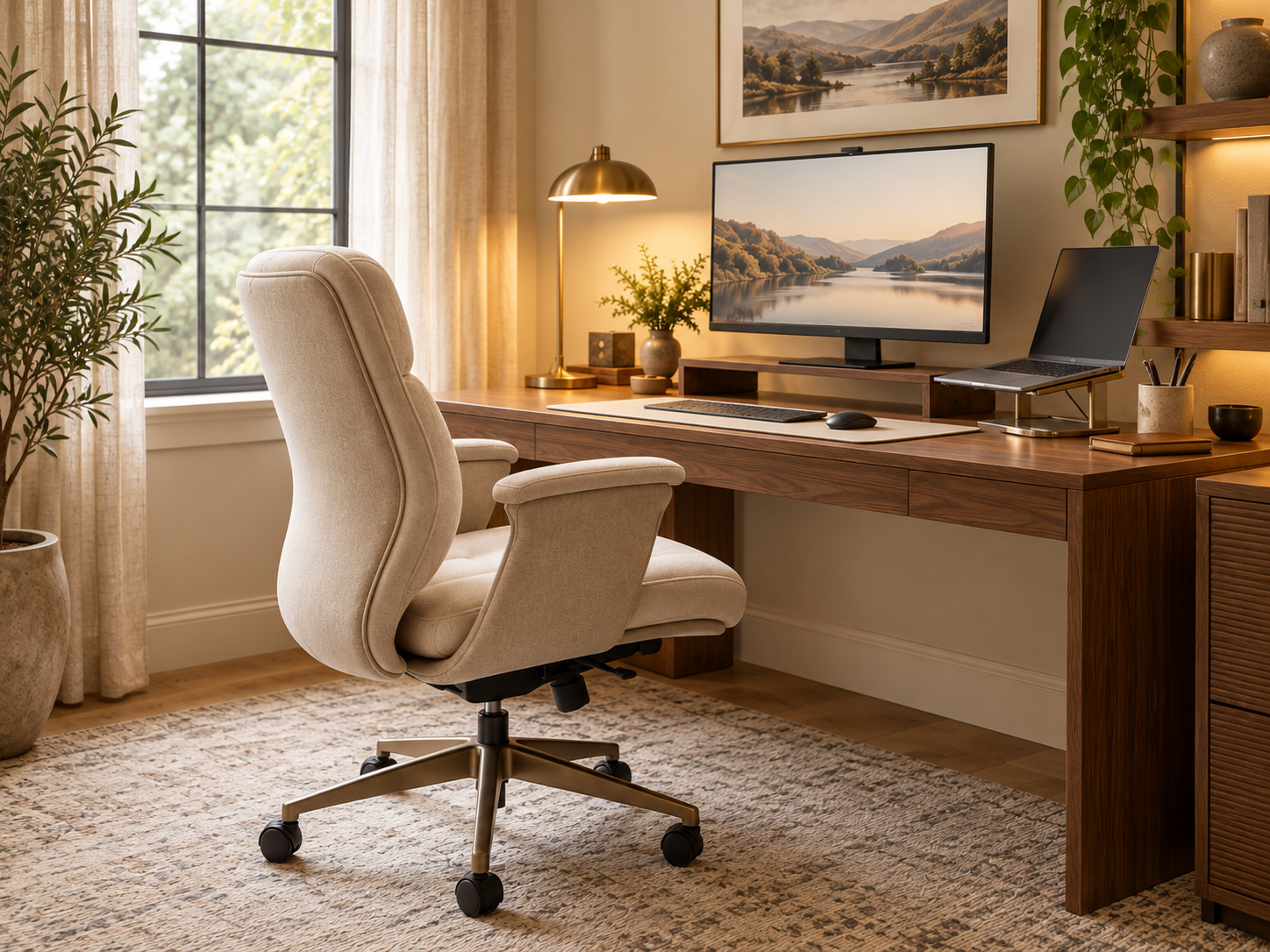
A supportive chair is the highest-priority upgrade when the workspace is used for hours rather than minutes.
Before buying: Check seat height range, depth, lumbar support, armrest adjustability, return terms and floor clearance.
Designer tip: Adjust your chair before trying to correct posture with accessories.
2. A compact monitor riser
Amazon Find · Editorial Selection
ROCDEER Bamboo Dual Monitor Riser with Two Drawers
Natural bamboo dual monitor stand with two drawers and open storage; listed as 39.3 inches long. Measure desk width and verify load capacity.
Availability, specifications and prices may change. Check details on Amazon.
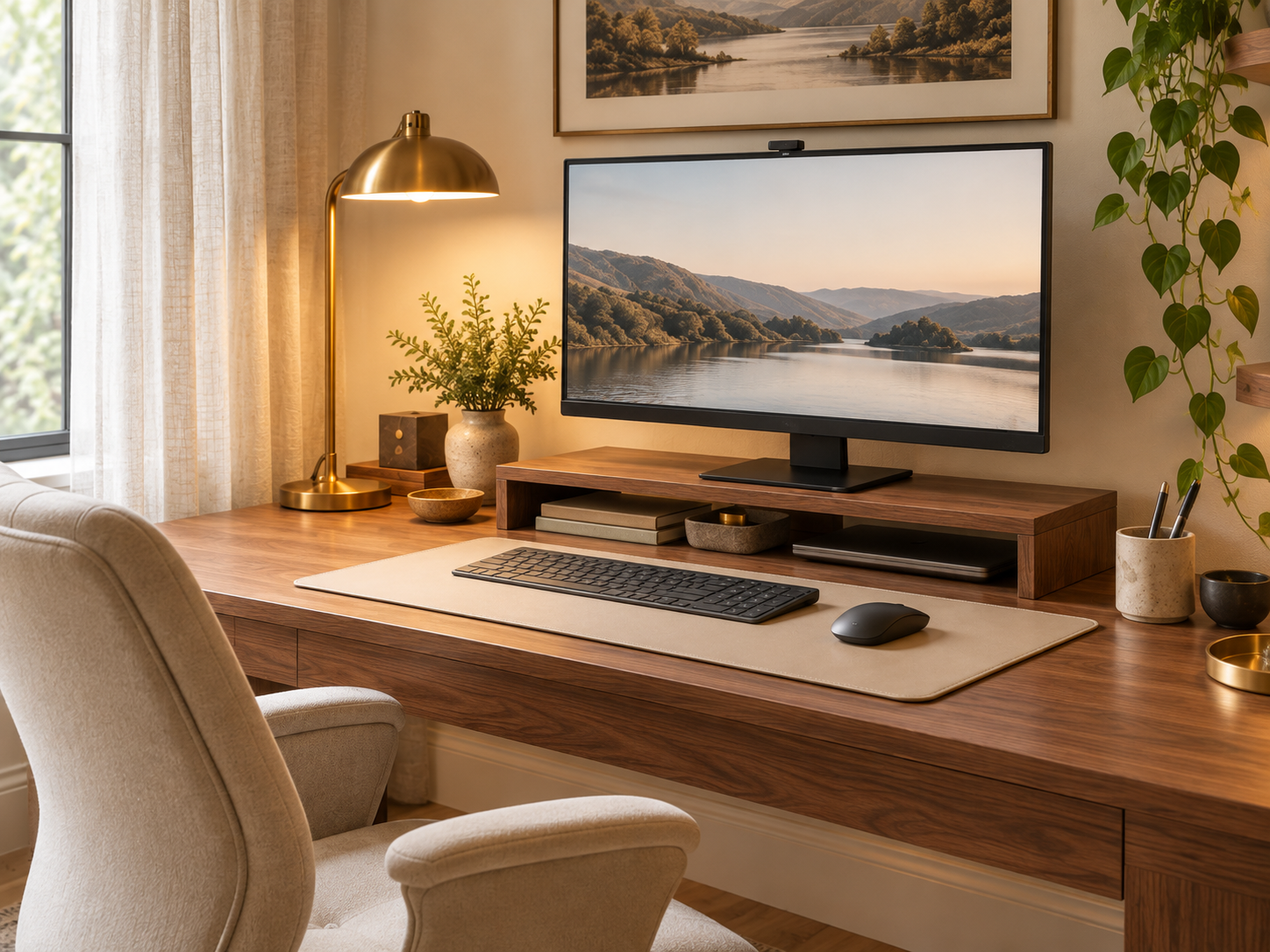
A riser can free desk surface and help bring a monitor closer to a comfortable viewing height.
Before buying: Measure monitor width, load limit, keyboard clearance and screen position.
Designer tip: Aim for a natural head position; a riser is not useful if it forces the display too high.
3. A height-adjustable laptop stand
Amazon Find · Editorial Selection
Adjustable Rotating Laptop Stand
Adjustable laptop stand with a rotating desktop design. Confirm device compatibility, platform dimensions and stability on Amazon.
Availability, specifications and prices may change. Check details on Amazon.
A stable stand can elevate a laptop for video calls or external-keyboard work in tight spaces.
Before buying: Check laptop dimensions, ventilation, weight rating and adjustability.
Designer tip: For extended typing use, pair a raised laptop with a separate keyboard and mouse.
4. A warm task desk lamp
Amazon Find · Editorial Selection
DP LED-664 Dimmable Rechargeable Desk Lamp
Compact rechargeable LED desk lamp with adjustable lighting. Verify light color, power method and supported dimming settings before purchasing.
Availability, specifications and prices may change. Check details on Amazon.
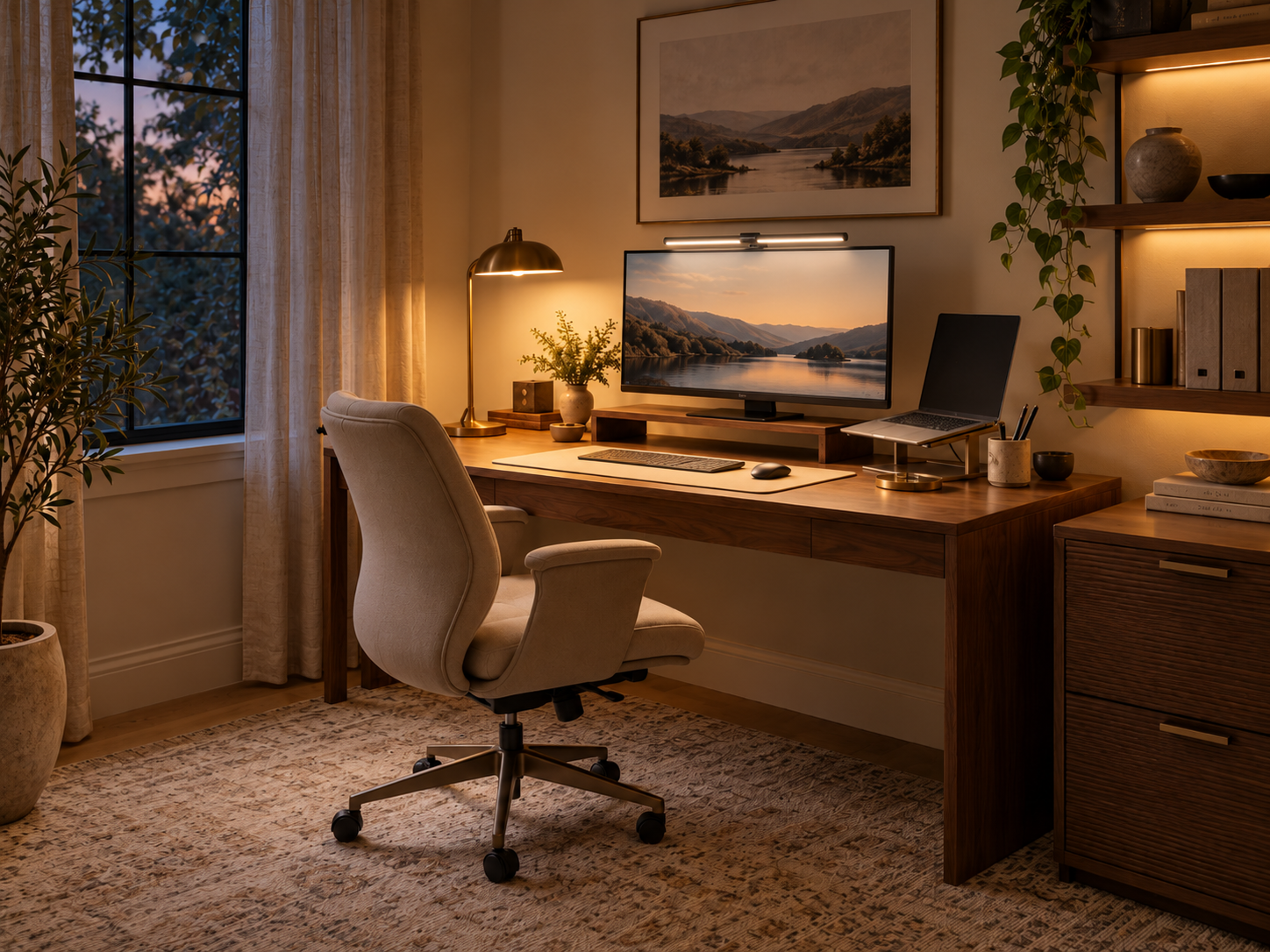
A controllable lamp provides targeted light for reading notes, writing and evening tasks without flooding the entire room.
Before buying: Look for adjustable brightness, reduced glare, base clearance and the correct power source.
Designer tip: Keep ambient light present to avoid very high contrast between a bright task surface and a dark room.
5. A slim under-desk footrest
Amazon Find · Editorial Selection
Amazon Basics Under-Desk Foot Rest — Black
Black footrest for supporting the feet at a desk. Check dimensions, adjustment options and non-slip placement on Amazon.
Availability, specifications and prices may change. Check details on Amazon.
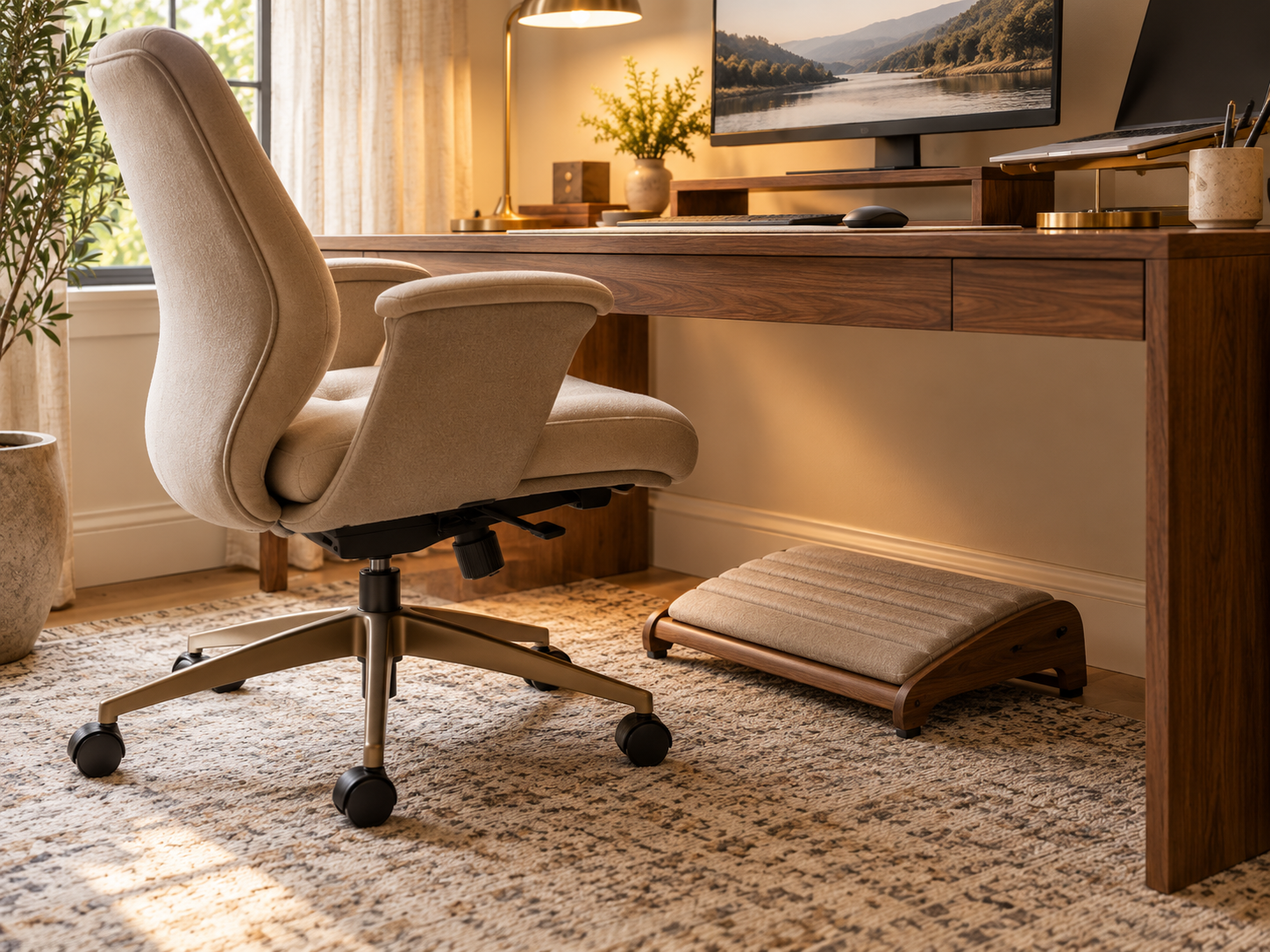
A small footrest can help when desk and chair heights otherwise leave feet unsupported.
Before buying: Compare angle, dimensions, non-slip surface and chair-to-desk geometry.
Designer tip: It should support relaxed legs, not lock the body into one position.
6. A low-profile desk mat
Amazon Find · Editorial Selection
DAWNTREES Large Felt Desk Mat — Dark Gray
Large 47.2 × 23.6-inch (120 × 60 cm) dark gray felt desk mat with non-slip design. Measure your desktop first; this is a full-size desk pad rather than a compact one.
Availability, specifications and prices may change. Check details on Amazon.
A desk mat creates a cohesive working zone, protects a surface and may reduce visible clutter.
Before buying: Compare material, cleaning, mouse tracking, size and edge quality.
Designer tip: Choose a mat proportionate to the desk; avoid covering all remaining free work surface.
7. A compact keyboard and mouse set
Amazon Find · Editorial Selection
Logitech MK470 Slim Wireless Keyboard & Mouse Combo — Graphite
Graphite low-profile compact wireless keyboard with a slim ambidextrous mouse. Check supported operating systems, keyboard layout and connection requirements.
Availability, specifications and prices may change. Check details on Amazon.
A smaller input setup can create room for writing and reduce awkward reaching on narrow desks.
Before buying: Prioritize comfortable key spacing, connection reliability and device compatibility.
Designer tip: Make sure compact does not mean cramped for your hands.
8. A laptop dock or USB-C hub
Amazon Find · Editorial Selection
Anker 7-in-1 USB-C Hub
Multi-port USB-C hub for attaching peripherals to compatible laptops, with HDMI, USB and card-reader connections. Check port capabilities, device compatibility and power-delivery requirements.
Availability, specifications and prices may change. Check details on Amazon.
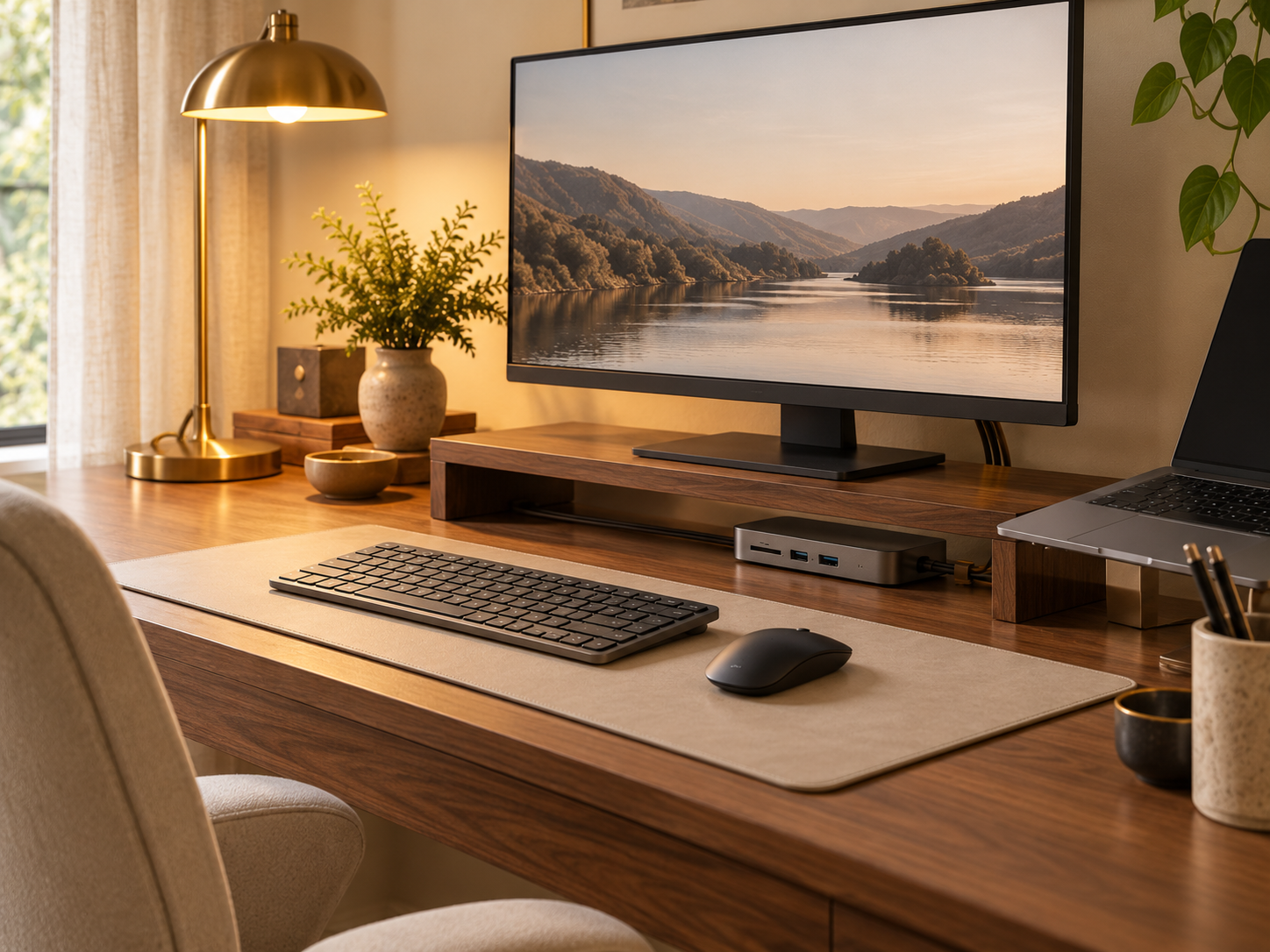
A properly matched hub simplifies cables and connections when switching between laptop-only and desk work.
Before buying: Check port specifications, video output, charging power, supported operating system and data rates.
Designer tip: Keep a single cable route accessible instead of hiding a hub where it is awkward to reach.
9. A clamp-on headphone hook
Amazon Find · Editorial Selection
EURPMASK Rotating Clamp-On Headphone Hanger — Black
Black under-desk headphone holder with a 360-degree swiveling hook and padded adjustable clamp. Verify desk thickness and clearance before installing.
Availability, specifications and prices may change. Check details on Amazon.
Moving headphones off the desk is a quick way to recover a small amount of space.
Before buying: Check clamp opening, desk thickness, finish protection and headset weight.
Designer tip: Attach to a stable edge outside the knees and chair movement.
10. An adjustable monitor light bar
Amazon Find · Editorial Selection
Quntis Dimmable USB Monitor Light Bar
USB-powered monitor light bar with auto-dimming, touch control and a glare-conscious task-lighting design. Verify monitor mounting compatibility and power requirements.
Availability, specifications and prices may change. Check details on Amazon.
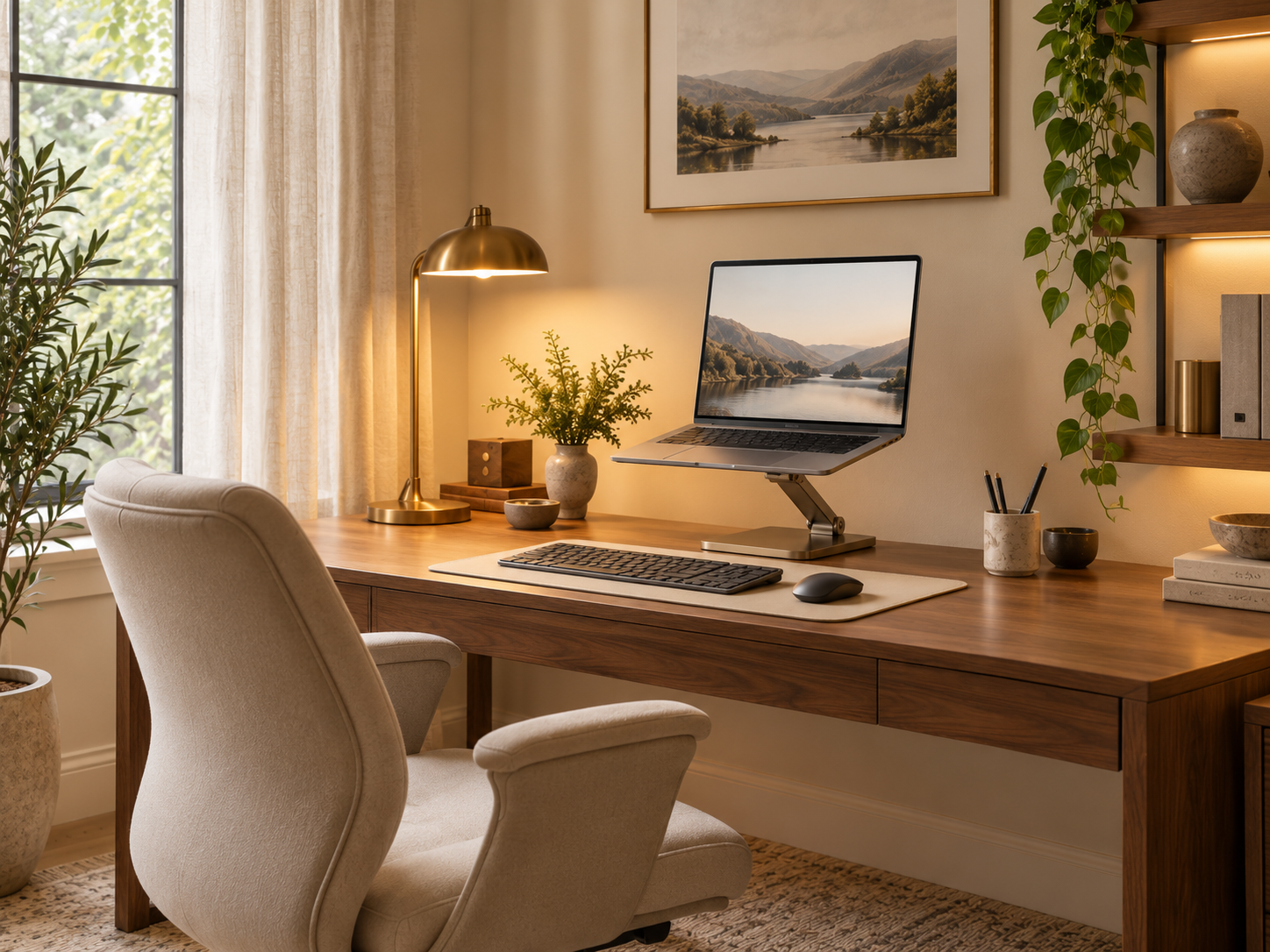
A screen-mounted light bar can illuminate the work surface without occupying desk area, although it does not suit every display.
Before buying: Verify monitor thickness, curved-screen compatibility, power and glare control.
Designer tip: Check that light falls onto the desk instead of the screen.
11. A narrow side storage cart
Amazon Find · Editorial Selection
Casafield 3-Tier Slim Rolling Storage Cart — Natural Water Hyacinth
Three-tier rolling utility cart with natural water-hyacinth baskets, suitable for organizing office supplies beside a desk. Check its external width, rolling clearance and shelf capacity before buying.
Availability, specifications and prices may change. Check details on Amazon.
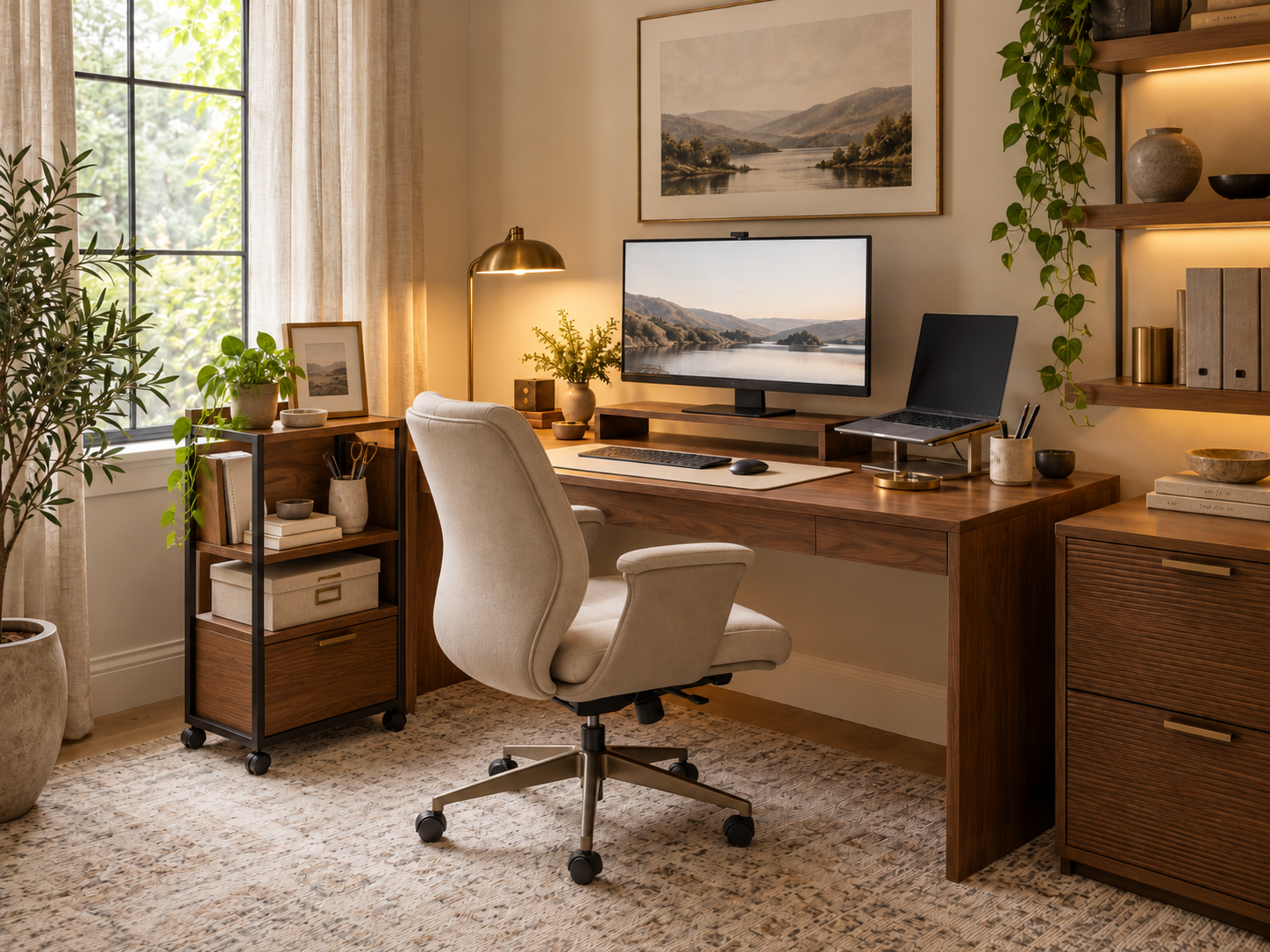
A shallow rolling cart helps keep notebooks and supplies nearby without filling the desktop.
Before buying: Measure clearances, caster stability, shelf sizes and weight distribution.
Designer tip: Store frequently used items at a comfortable height; leave the floor route open.
12. One practical personal accent
Amazon Find · Editorial Selection
FUYHE Matte White Ceramic Plant Pot — 5.8 Inches
Sculptural matte-white ceramic planter, approximately 5.8 inches wide and 5.2 inches tall, with a drainage hole. Add a suitably sized plant and protect your desk from excess moisture.
Availability, specifications and prices may change. Check details on Amazon.
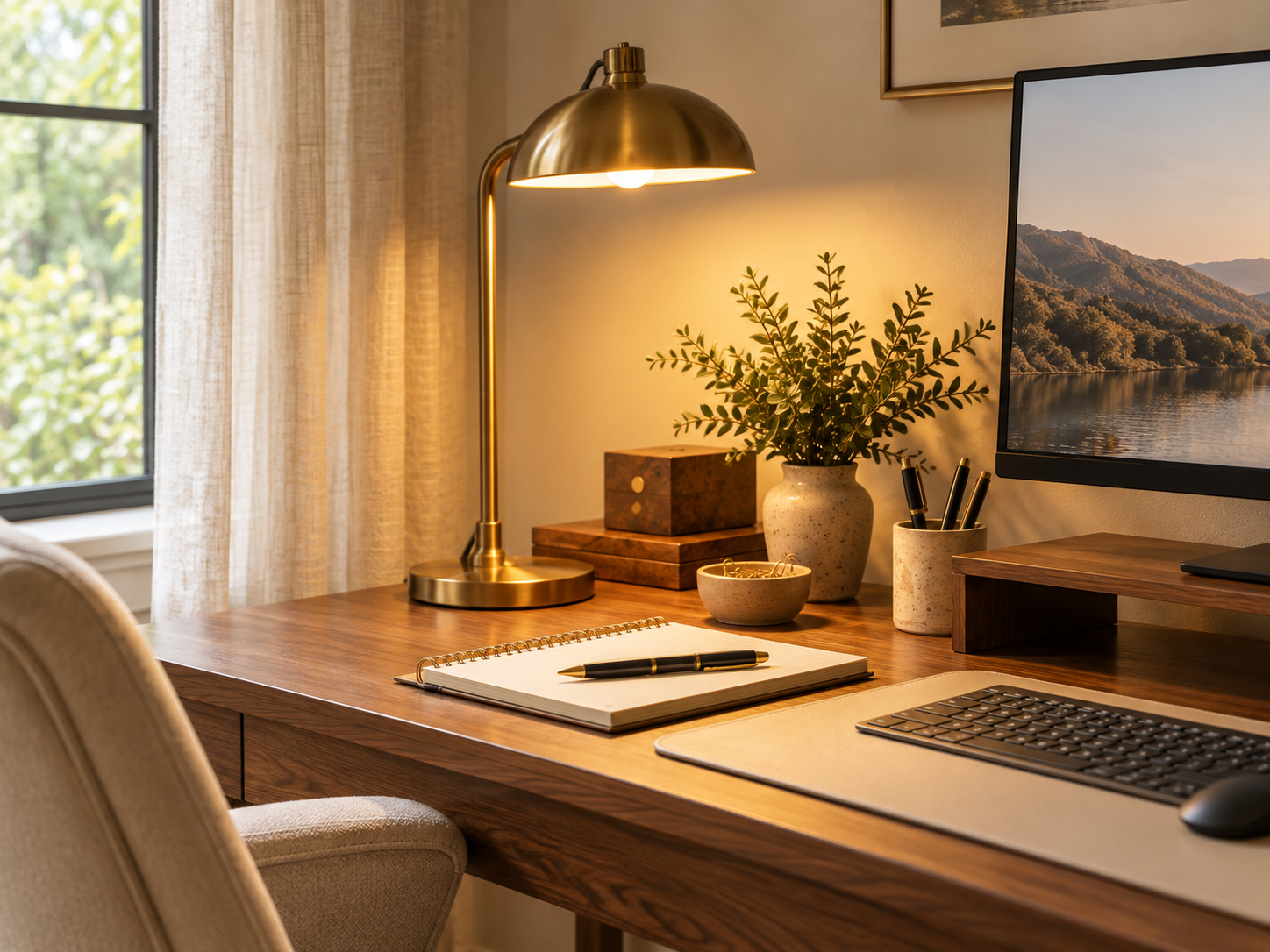
A small planter, quiet clock or well-chosen print makes a functional work zone feel considered without becoming clutter.
Before buying: Select an accessory that suits the lighting, maintenance and limited surface space.
Designer tip: Give the workspace one focal point instead of treating every corner as decor.
Three compact office styling directions
Warm modern workspace
Combine soft beige or mushroom wall tones with natural oak, one shaded task lamp and a restrained desk mat. Use black or brushed metal sparingly to create structure.
Bright minimalist desk
Work with a pale desktop, slim cable routing and one focused desk light. Closed storage and a single muted accent color help keep the room feeling open.
Moody executive corner
Choose a walnut-colored surface, dark accessories and a warm task lamp. The look works best when screen glare is managed and key working surfaces retain adequate light.
Essential compatibility and comfort checklist
- Match desk, chair and monitor positions to your own body and usage.
- Check real product dimensions, not just lifestyle photos.
- Verify electrical ratings and charging requirements for lighting and hubs.
- Maintain unobstructed exits, outlets and chair movement.
- Prefer easy-to-clean, serviceable products over decorative complexity.
- Confirm returns and warranties on products that affect long-duration comfort.
Frequently asked questions
What should I upgrade first in a small home office?
Start with whichever issue affects your work every day: an uncomfortable chair, poor screen height, weak task lighting or a desk that lacks usable surface area.
Are laptop stands necessary?
Not for every setup. They can help in some arrangements, especially when paired with separate input devices, but must not create awkward screen angles or typing posture.
Can an office look expensive without expensive furniture?
Yes. Clean sightlines, good lighting, coordinated finishes and correctly scaled accessories often have greater visual impact than high prices.
What makes a home office feel cozy without becoming distracting?
Warm, diffused secondary lighting, comfortable textures and one or two personal details can soften a functional workspace while keeping the main working surface clear.
Final thought
Build a comfortable, calm setup by solving one high-impact problem at a time. A premium small office feels effortless because every object earns its place.