
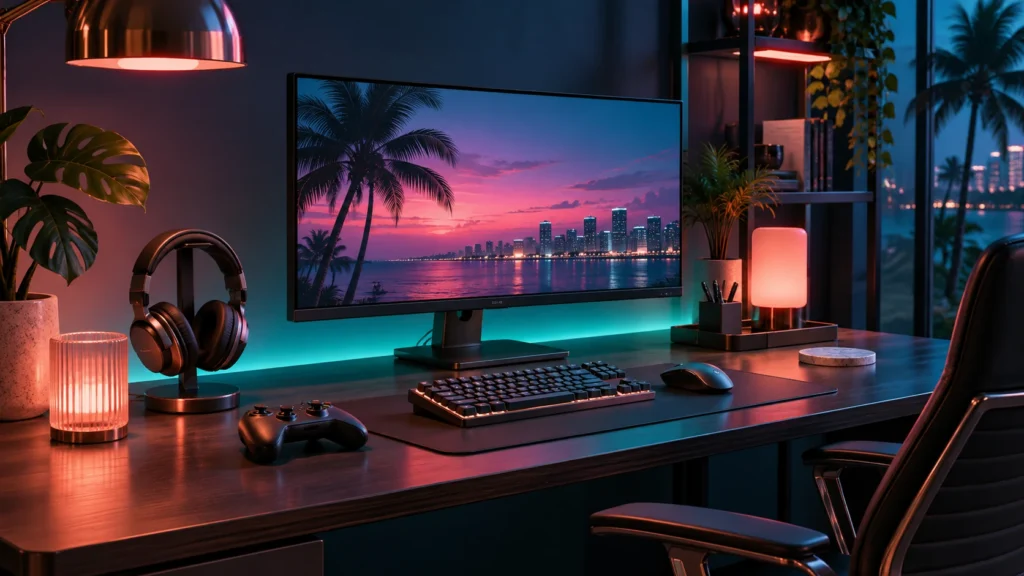
LESS CLUTTER.
MORE CONTROL.
VICE CITY AFTER DARK.
12 gaming desk accessories that make your setup easier to live with—plus a restrained, neon-coastal styling system inspired by Grand Theft Auto VI’s Vice City.
The goal isn’t a desk that looks expensive in a photo. It’s a desk that stays comfortable, accessible and visually intentional when the game is on and when it’s off.
Editorial note: This is independent home-and-gaming-space inspiration, not an official Rockstar Games guide or a licensed merchandise collection. We distinguish Rockstar-confirmed game details from our own decorating recommendations.
What actually improves a gaming desk?
Better gaming desk accessories reduce a specific source of friction: tangled cables, a monitor that occupies useful space, controllers without a home, harsh reflections or a desktop too crowded for your hands. The difference between a thoughtful setup and a pile of gadgets is the order in which you solve those problems.
Start by measuring your desk, identifying whether you play on a PC, PlayStation 5 or Xbox Series X|S, and noting what regularly annoys you. Don’t start with an RGB shopping spree. In a compact room, a $15 organizing change can do more for everyday usability than another decorative light. That’s a practical comparison, not a claim about current product prices.
Before it enters the cart, it earns its place.
What everyday annoyance does this accessory remove?
Are the dimensions, connection type, power and mounting requirements right for your equipment?
Would you still use it if you changed the desk color or stopped following a trend?
Editor’s rule: If an item passes only the aesthetic test, treat it as optional decor—not an essential gaming upgrade.
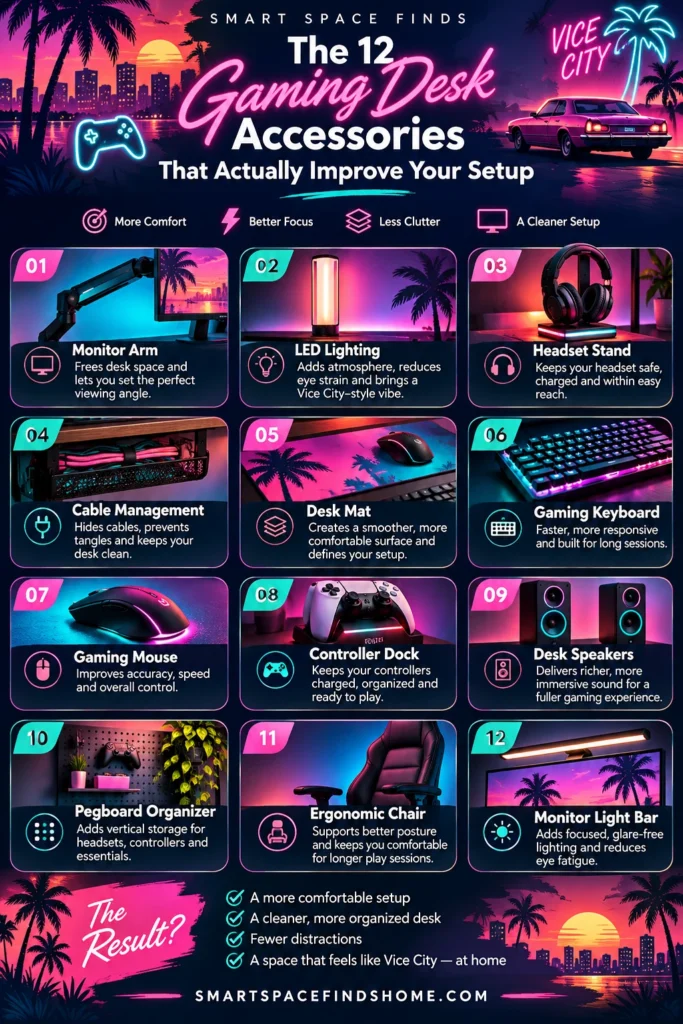
The 12 gaming desk accessories actually worth considering
These are product categories, not untested recommendations for specific brands. Each comes with a use case and a reason you might skip it.
01. Reusable hook-and-loop cable ties
Best for: separating the signal cables you frequently rearrange. Reusable ties make changes easier than permanent fasteners. Skip if: most of your cables already have a short, clear route. Never bind cords tightly against heat sources or ignore manufacturer safety guidance for power leads.
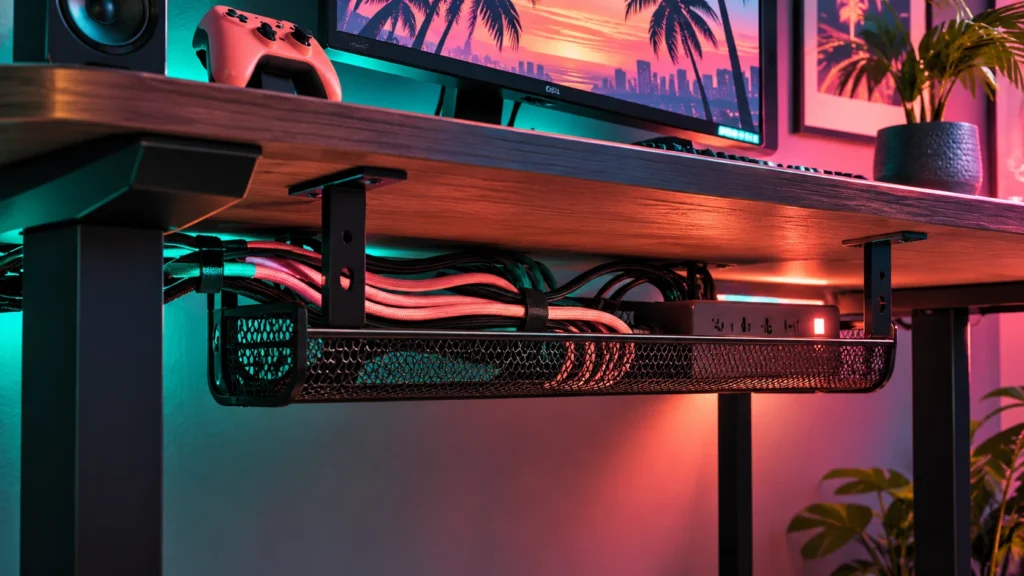
02. Under-desk cable tray
Best for: lifting accessible adapters and spare cable length off the floor. Check screw or clamp requirements, tray load rating and knee clearance. Skip if: your desk material cannot safely support the mounting method. Keep power components ventilated and reachable.
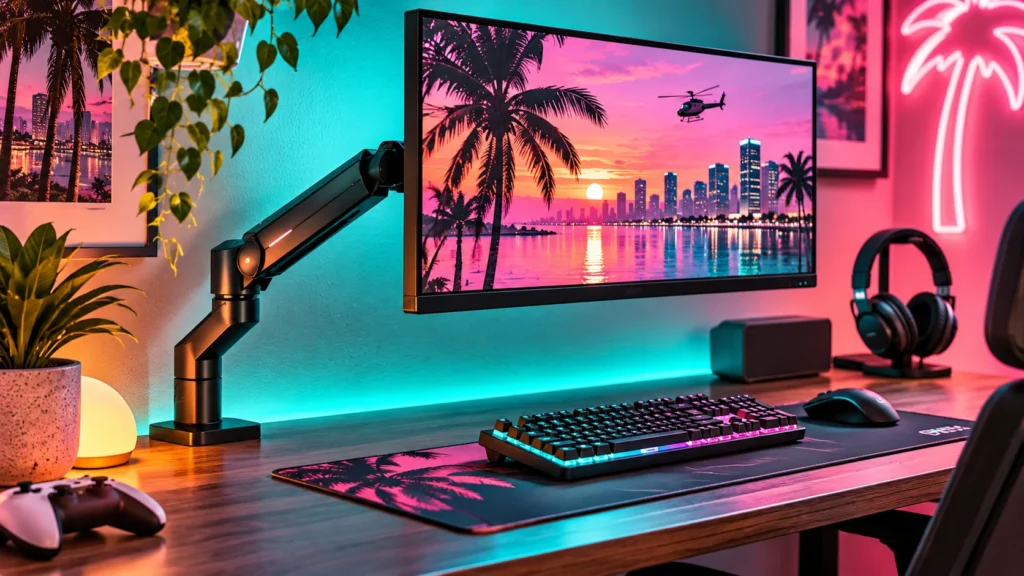
Cable Management Essentials
Affiliate disclosure: As an Amazon Associate, Smart Space Finds earns from qualifying purchases. Check current availability, price, specifications and compatibility on Amazon before buying.
03. Adjustable monitor arm
Best for: reclaiming work surface beneath a compatible screen. Verify monitor weight, VESA mounting pattern, desk thickness and clamp clearance. Skip if: you use an unsuitable glass, hollow-core or structurally weak top, or your display lacks a compatible mounting option.
04. Simple monitor riser
Best for: improving screen positioning without a clamp. Compare its footprint and load capacity with the monitor stand. Skip if: the display is already correctly positioned; raising it unnecessarily may worsen comfort.
More Desk Space
Affiliate disclosure: As an Amazon Associate, Smart Space Finds earns from qualifying purchases. Check current availability, price, specifications and compatibility on Amazon before buying.
05. Sized-to-fit desk mat
Best for: defining the keyboard-and-mouse zone and protecting a work surface. Measure the available movement area before ordering. Skip if: it interferes with your preferred mousepad texture or crowds the setup.
06. Headset hook or stand
Best for: keeping headphones off the keyboard zone. Choose a secure location that won’t collide with drawers or knees. Skip if: you already have a safe dedicated storage spot.
07. Controller charging dock
Best for: giving compatible controllers an obvious charging home. Check the exact controller generation, connector and included charging accessories. Skip if: your current cable arrangement is reliable and unobtrusive.
Controller & Headset Station
Affiliate disclosure: As an Amazon Associate, Smart Space Finds earns from qualifying purchases. Check current availability, price, specifications and compatibility on Amazon before buying.
08. Small compartment organizer
Best for: holding adapters, removable storage, cleaning cloths and spare parts in one place. Look for compartments that match what you actually own. Skip if: you’ll simply fill a new drawer with objects you never use.
09. Adjustable task lamp
Best for: providing functional light for plugging in devices, reading or cleaning. Position it to avoid screen reflections. Skip if: your room already has effective and adjustable task lighting.
10. Diffused LED ambient lighting
Best for: a subtle glow behind or beside the display without exposed bright LEDs in your sightline. Check rated power supply, installation surface and brightness control. Skip if: it creates glare, visible flicker or an extra power-management problem.
11. Compact pegboard or vertical organizer
Best for: keeping lightweight items above the desk when horizontal space is scarce. Confirm fasteners, load limits and rental restrictions. Skip if: the visual clutter would outweigh the storage gain.
12. Height-appropriate footrest
Best for: supporting feet when the chair and desk can’t be adjusted to a comfortable combination. Skip if: your feet are already comfortably supported. A footrest isn’t a substitute for a poorly sized desk or chair.
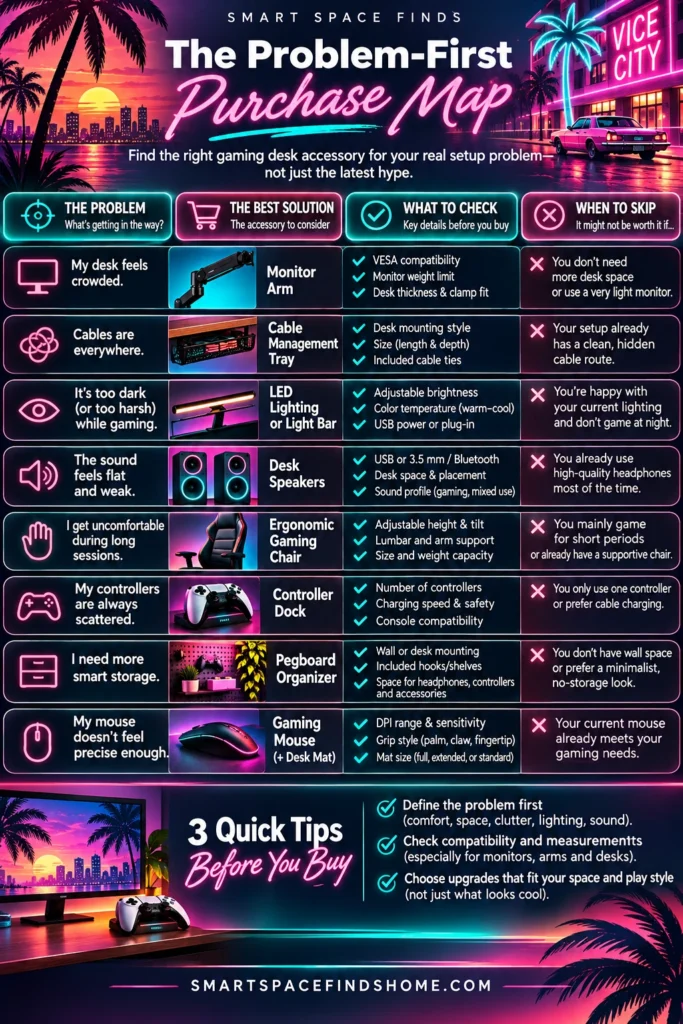
Shop the annoyance, not the algorithm.
| The frustration | Start here | Check before buying | Don’t buy when… |
|---|---|---|---|
| Cables on the floor | Ties + cable tray | Mounting space; power safety | Existing routing works |
| Not enough desk depth | Monitor arm | VESA, weight, desk material | Clamp is unsuitable |
| Headset in the way | Hook or stand | Clearance and stability | Storage already exists |
| Controller always empty | Compatible dock | Controller model, connector | Normal charging works |
| Harsh screen reflections | Reposition lamp / ambient light | Angle and dimming | Added light makes glare worse |
| Small items everywhere | Drawer organizer | Compartment dimensions | You need to declutter first |
The five-step desk reset before you buy anything
- Empty the surface. Remove duplicate chargers, unused peripherals and purely decorative objects. Keep only the devices you use in an average week.
- Build the control zone. Place the keyboard, mouse or controller where reaching feels natural. Leave enough space to move without bumping accessories.
- Position the screen. Aim for a comfortable, straight-ahead view; adjust height and distance to your screen size, vision and seating, not to a rigid one-size-fits-all rule.
- Plan cables. Trace the route to outlets and devices, leave reasonable movement slack and retain access to electrical connections.
- Add mood lighting last. Evaluate the setup in daylight and after dark before deciding whether it needs more decor.

A neon coast, without the visual noise.
Grand Theft Auto VI takes place in Vice City and the fictional state of Leonida. Our design direction is an independent interpretation of that coastal-night atmosphere: dusky navy, softened coral, sea-glass teal and a hint of sunset sand. These are suggested room colors, not an official Rockstar palette.
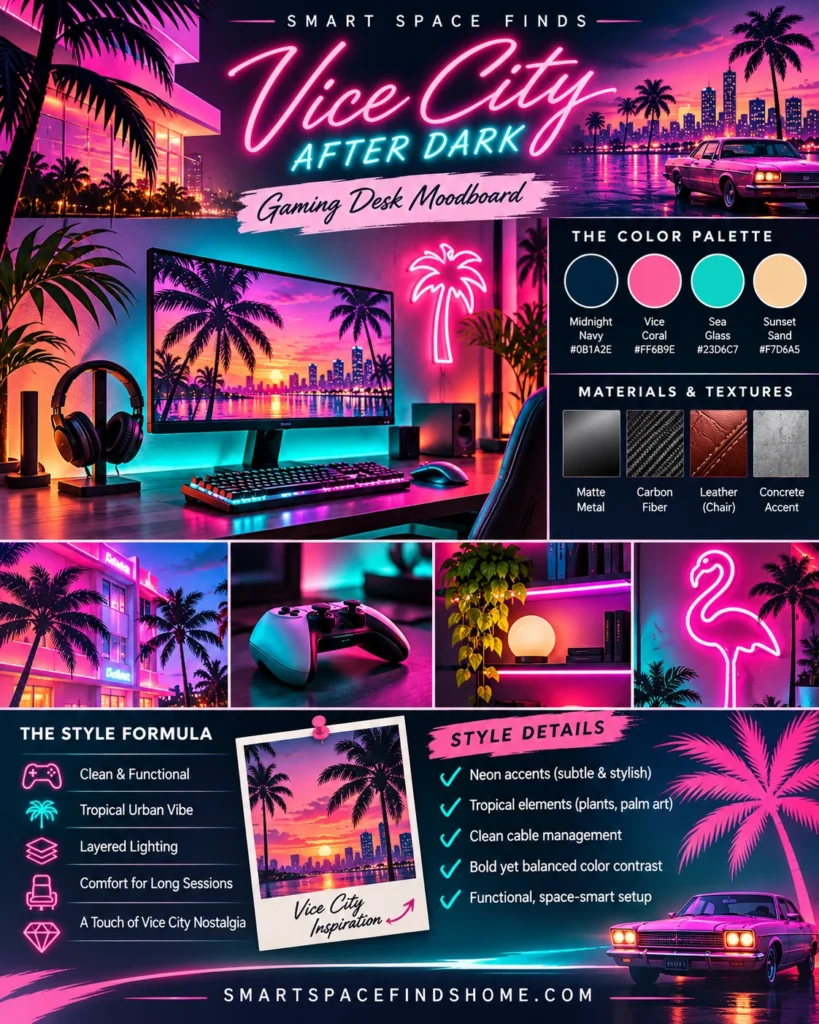
#122135
#F1A8A3
#78DDD7
#EAD3A5
Layer A / The quiet base
Keep the monitor, cable management, keyboard storage and most surfaces in neutral or dark finishes. This is the visual anchor.
Layer B / The neon glow
Use one dimmable teal or coral wash, preferably diffused behind the display. Avoid visible pinpoint LEDs or color-changing effects that distract from the screen.
Layer C / The original art
One original city-at-dusk print or abstract tropical silhouette is enough. Avoid implying an unlicensed print is official GTA merchandise.
Layer D / The daytime reality
Keep practical task lighting and the control zone readable. A cinematic photo setup should still work on a bright morning.
The signature edit: choose two accent colors, one artwork and one lighting focal point. Don’t turn every accessory into a themed object.
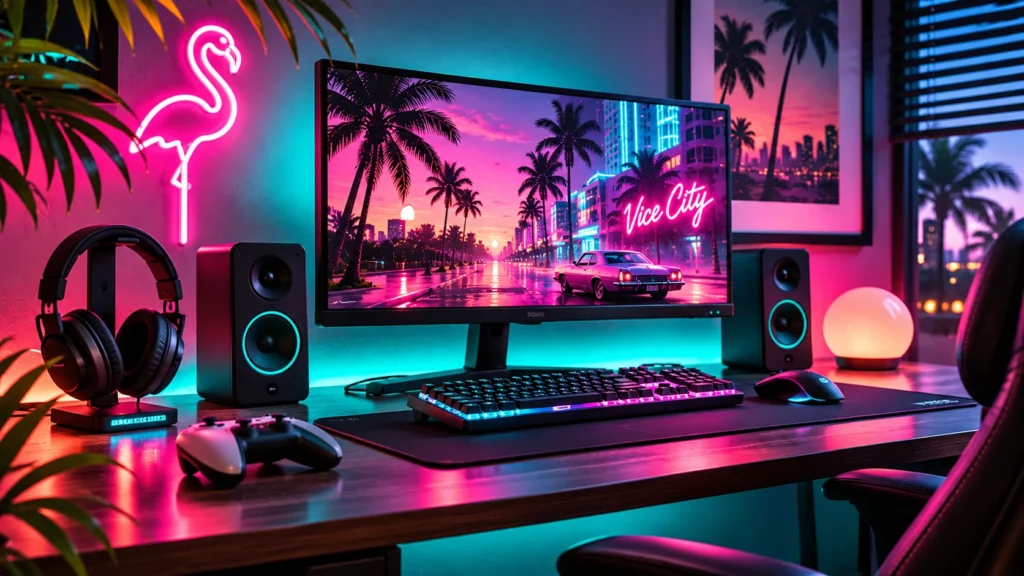
Vice City Lighting Edit
Affiliate disclosure: As an Amazon Associate, Smart Space Finds earns from qualifying purchases. Check current availability, price, specifications and compatibility on Amazon before buying.
Four workable layouts for different gaming spaces
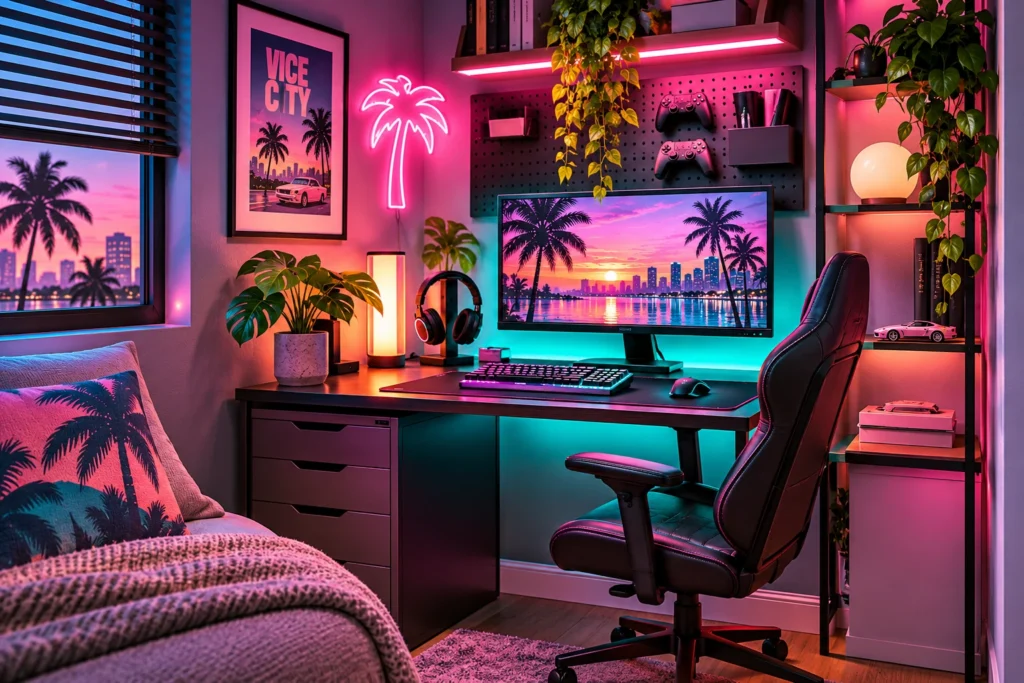
A. The 36–48-inch compact desk
This example width is a planning scenario, not a universal requirement. Favor a single screen, compact headset storage and a clear input zone. Before adding a clamp-mounted arm, check that the top and edges can actually take one. In a rented bedroom, non-permanent storage may be the better choice.
B. The console-first corner
Put the display at a comfortable viewing distance, keep the controller charging route easy to access, and arrange headset storage without blocking the console’s required ventilation. Decorative neon lighting belongs behind or beside the display, not in front of it.
C. The hybrid work-and-game station
Keep task light and charging independent of decorative lighting. Consider a clearly labeled place for adapters and connectors, and avoid hardware that only works with one controller generation if you switch platforms often.
D. The dual-monitor desk
Check the total physical footprint, stand or arm loading, cable slack and sitting position. If you primarily use one screen, center that screen instead of twisting your posture to make a symmetrical photo.
Storage & Organization
Affiliate disclosure: As an Amazon Associate, Smart Space Finds earns from qualifying purchases. Check current availability, price, specifications and compatibility on Amazon before buying.
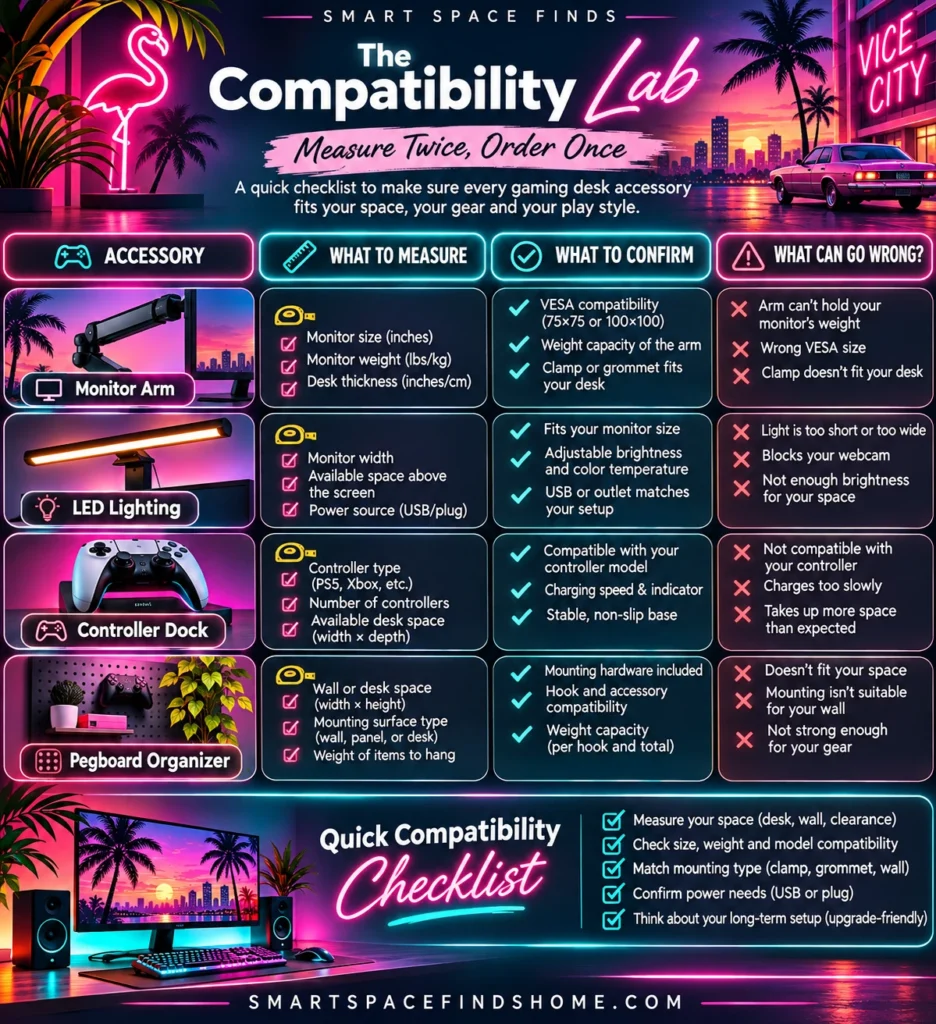
Measure twice. Order once.
Use this as a shopping checklist before opening any Amazon product page. Product photos don’t prove that an accessory fits your desk or device.
Monitor arm
Record VESA pattern, monitor weight without the stand, desk thickness and underside clearance. Check the manufacturer’s desk-material guidance.
Controller dock
Record exact controller name, connector type, required power and whether charging adapters or battery packs are included.
LED lighting
Record strip length, power adapter rating, brightness control, mounting surface and the angle of possible screen reflections.
Mat, tray, pegboard
Measure working space, clearances, fixing method, load limits and whether installation is permitted in your room.
Electrical safety: Follow product instructions and local electrical guidance. Avoid overloading power strips, trapping cords where heat can build up, or blocking vents on consoles and PCs.
What is confirmed about GTA VI—and what isn’t being claimed here?
Officially confirmed as of November 22, 2026: Rockstar Games announced that Grand Theft Auto VI became available worldwide on November 19, 2026, for PlayStation 5 and Xbox Series X|S. Its principal characters include Jason and Lucia, and its setting includes Vice City and the wider state of Leonida.
Creative interpretation: the coral-and-teal desk concept, sunset accents and original tropical-city imagery are Smart Space Finds styling ideas. They are not an official GTA VI desk specification.
Not asserted: an official PC release date, PC hardware requirements, a guaranteed frame rate for every player, or Rockstar licensing for any third-party decorative item. Accessories are assessed by their published physical specifications, not implied in-game performance.
Comfort & Final Details
Affiliate disclosure: As an Amazon Associate, Smart Space Finds earns from qualifying purchases. Check current availability, price, specifications and compatibility on Amazon before buying.
Questions worth answering before the checkout.
What gaming desk accessory should I buy first?
Buy the item that solves your most frequent inconvenience. For a cluttered desk that may be reusable ties and a tray; for poor display placement it may be a compatible riser or arm. If nothing is wrong, you may not need to buy anything.
How do I make a GTA 6-inspired gaming setup?
Use a dark neutral base, subtle coral or teal lighting, and one original coastal-night artwork. Focus on a usable desk rather than a room full of logos. This is an unofficial, Vice City-inspired design concept.
Are these accessories compatible with PS5 or Xbox Series X|S?
General cable storage, desk mats, hooks and room lighting can work across platforms. Controller docks and powered peripherals require exact model and connection checks. Do not infer compatibility from a product photo.
Do I need RGB lights to make the setup look premium?
No. Good cable routing, a comfortable display position and one well-controlled light source often create a more deliberate impression than multiple exposed strips.
Is a monitor arm always better than a monitor riser?
No. A monitor arm may save space but requires a compatible display and desk. A riser is often simpler for desks that cannot support a clamp, provided it safely supports the display at a comfortable height.
Can I use GTA artwork without implying an official partnership?
Make the inspiration clear and avoid claiming that independently made decor is officially licensed. For this article, our proposed artwork uses original coastal-night design motifs rather than copying game promotional art.
The final edit: a better desk, not a bigger shopping cart
A great gaming setup is built around room to move, reliable charging, comfortable screen placement and maintenance you can keep up with. The Vice City-inspired glow is the finishing layer—not the reason to buy twelve new things. Start with one irritation, fix it properly, then choose a visual accent that makes the space feel like yours.
Keep refining your setup
For more ideas about making a compact desk functional and beautiful, explore our published guides to creative desk setups and media storage without clutter. Our dedicated Vice City room styling, small gaming room layouts and budget upgrade guides are still being edited and will be linked here when they are published.
Independent editorial. Grand Theft Auto, GTA VI and related names are trademarks of their respective owners. Smart Space Finds is not affiliated with or endorsed by Rockstar Games.